Practical document cleanup guides
Workflows for cleaning handwriting, pen marks, notes, and filled fields from scanned documents, forms, images, and PDFs.
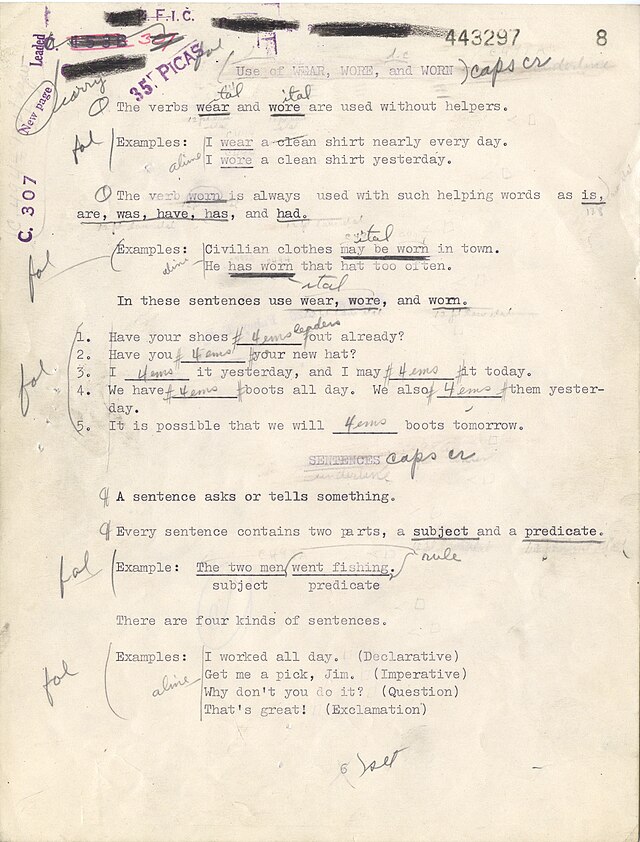
How to Remove Writing from a Photo
A practical guide to remove handwriting from a photo while keeping printed text readable from the original document.
Read More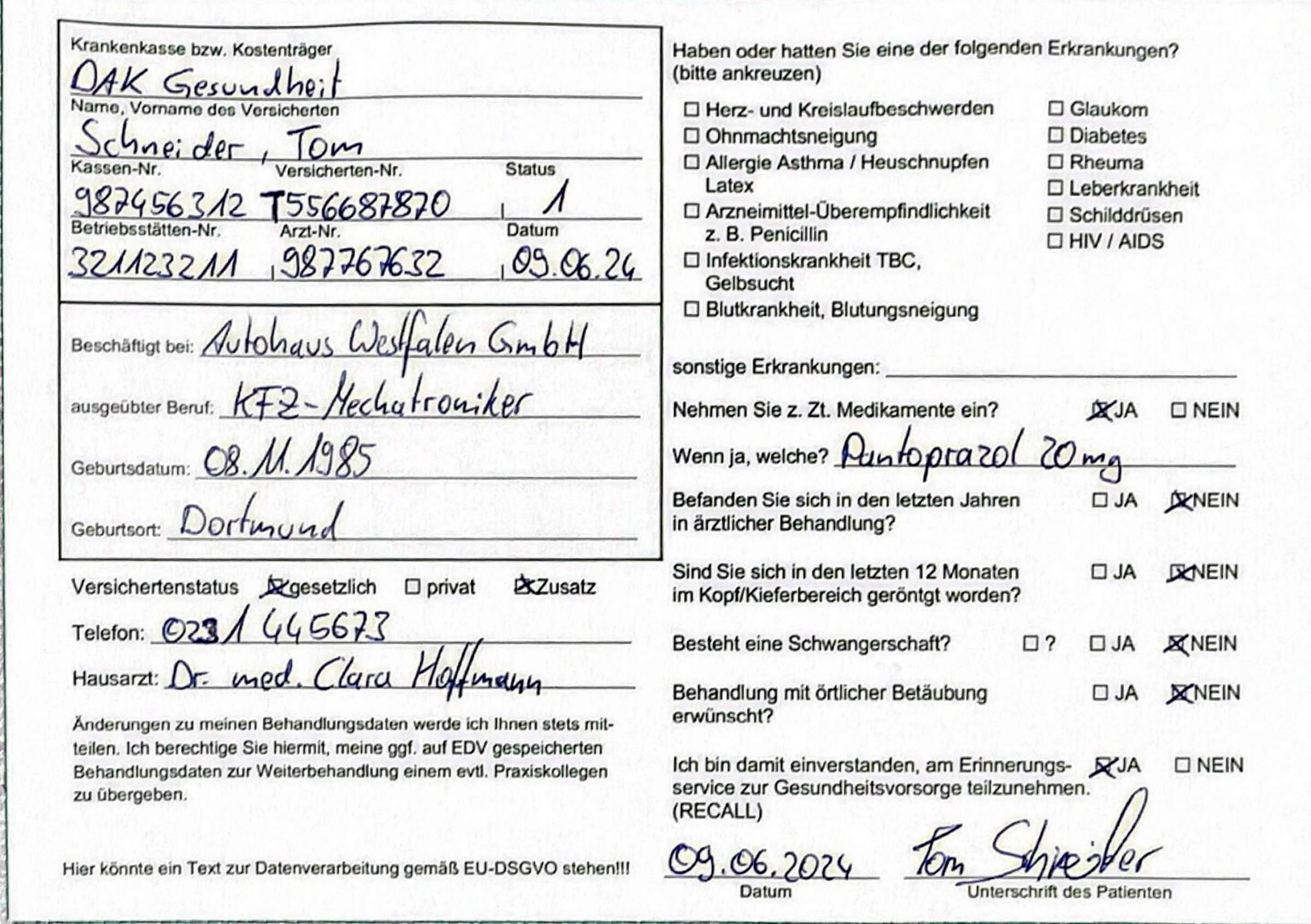
How to Clean a Filled Form for Reuse
Learn how to clean a filled form, remove handwritten entries, preserve printed fields, and create a reusable blank form.
Read More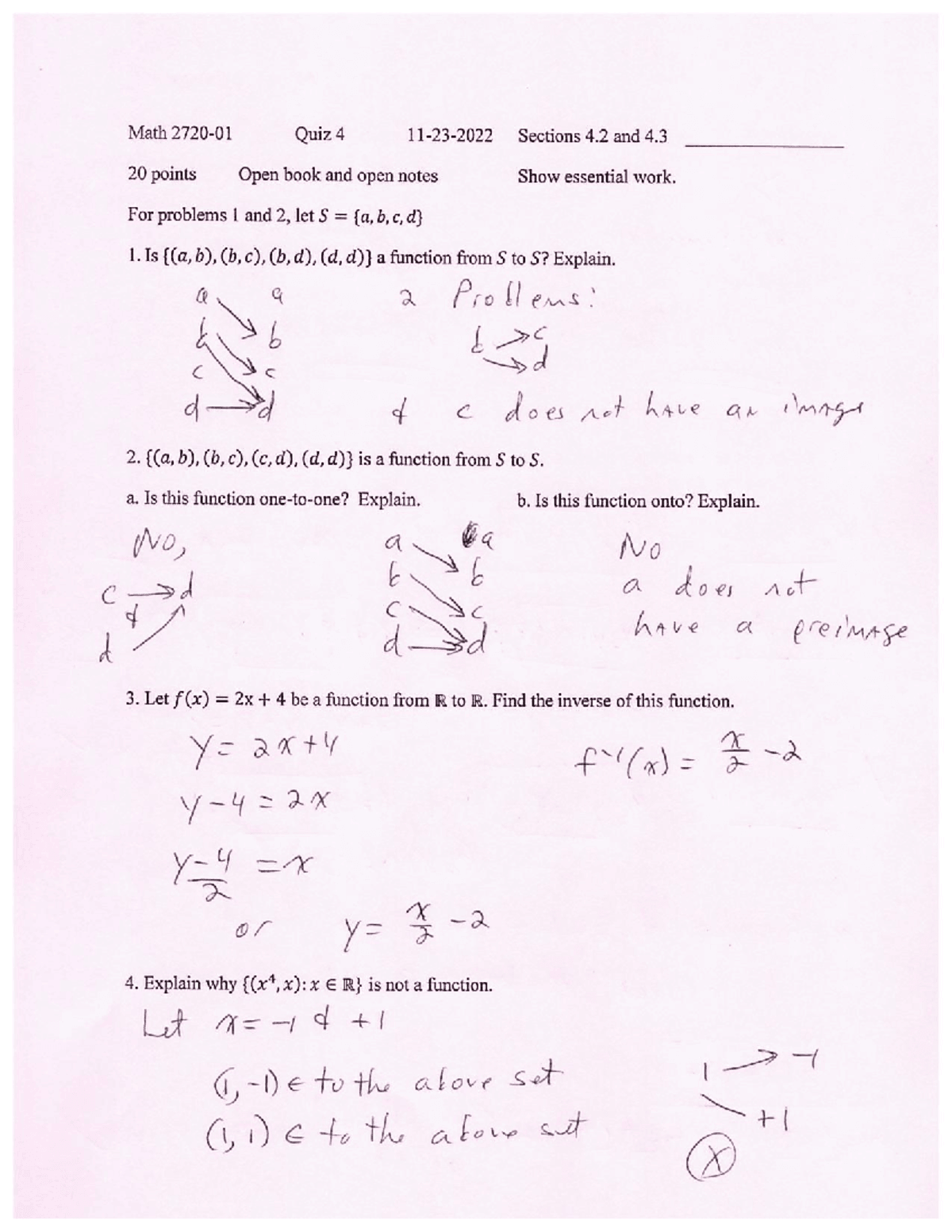
How to Make a Used Worksheet Blank Again
Learn how to clean a completed worksheet, remove handwritten answers, preserve printed questions, and create a reusable practice page.
Read More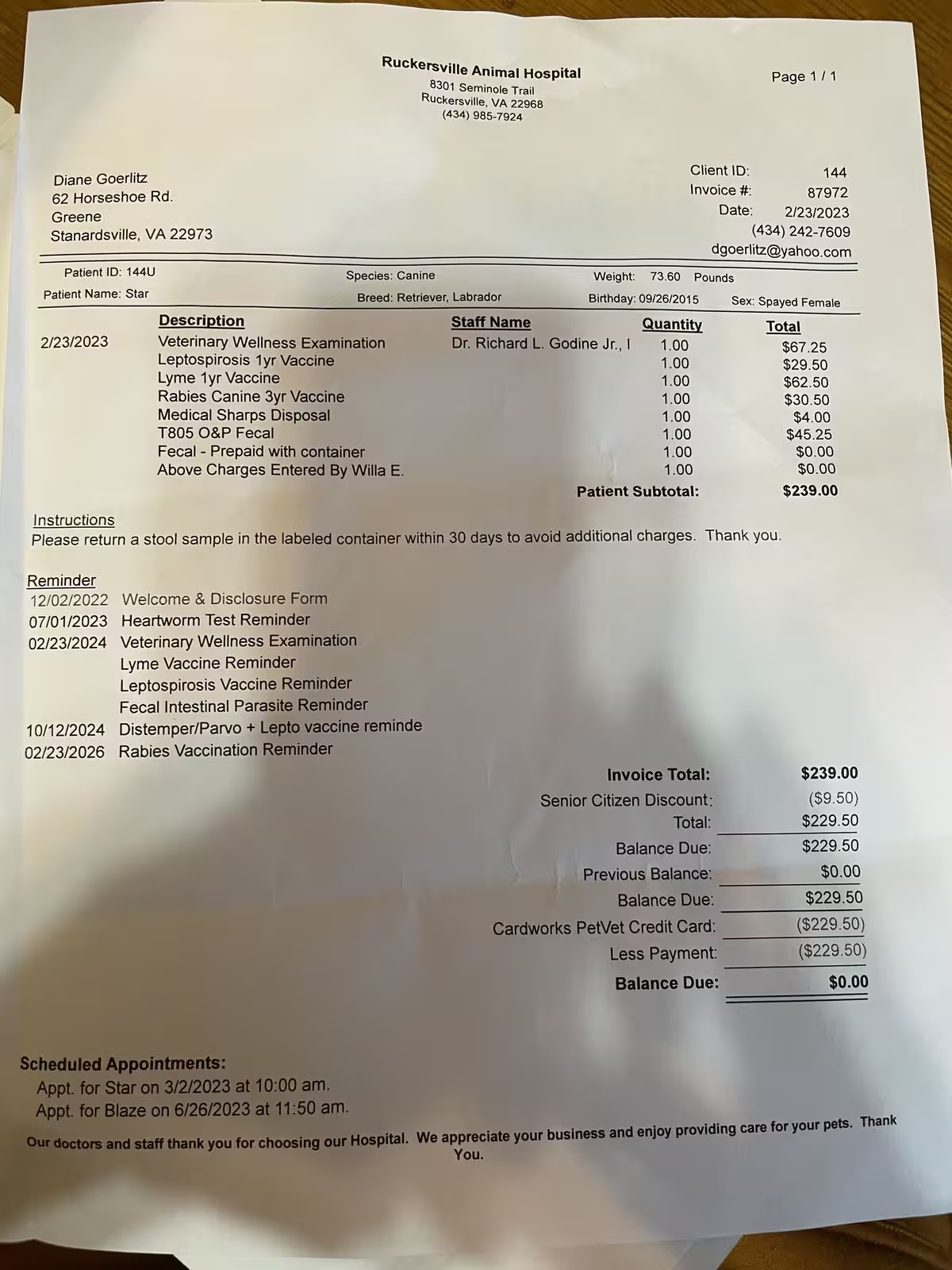
How to Remove Shadows from Document Photos
Learn how to clean shadows from document photos, crop paper edges, reduce uneven lighting, and make phone photos look closer to scans.
Read More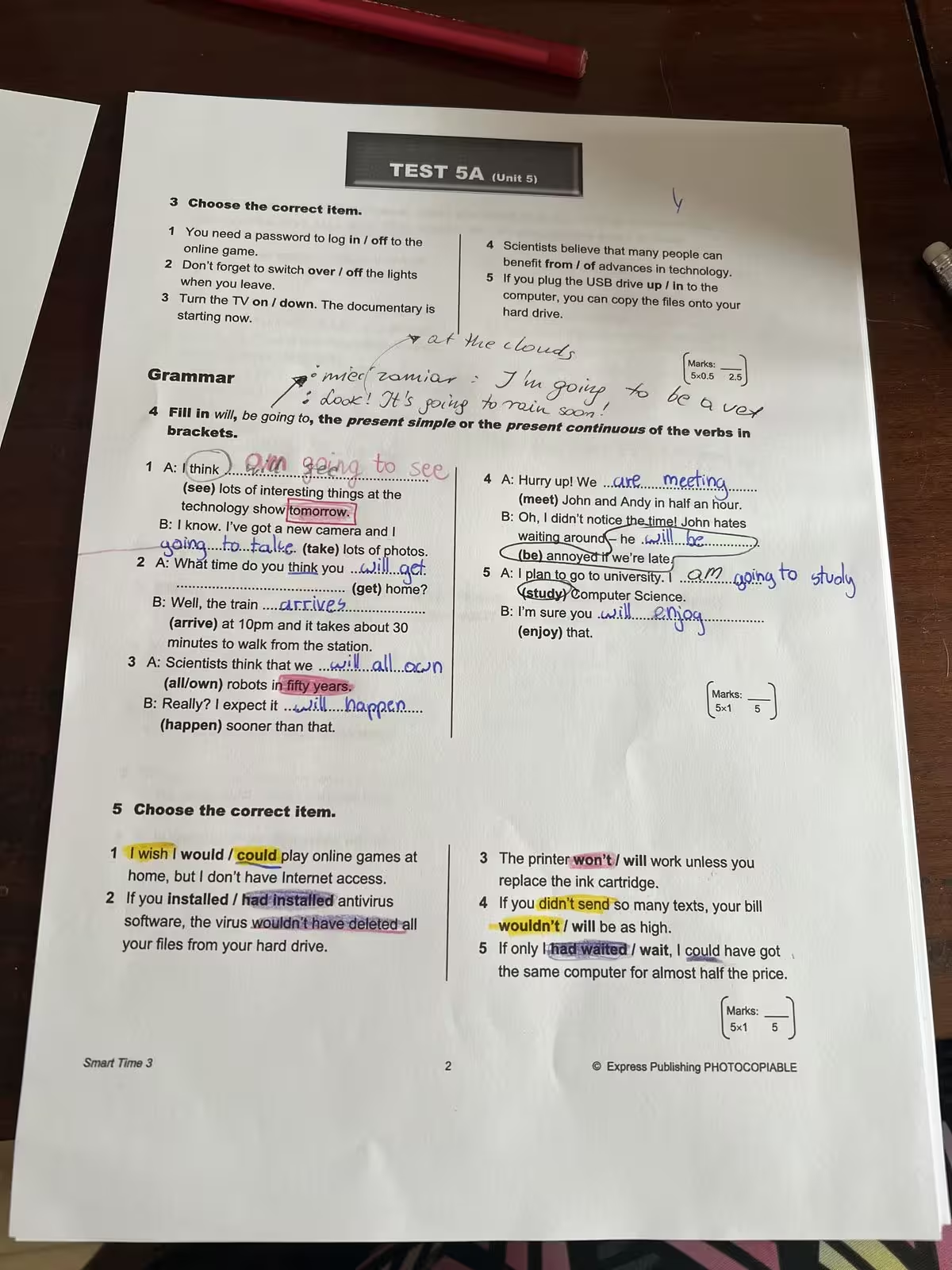
How to Remove Highlights from a Scanned PDF
Learn how to remove visible highlights from scanned PDFs, clean image-based PDF pages, and keep the original text readable.
Read More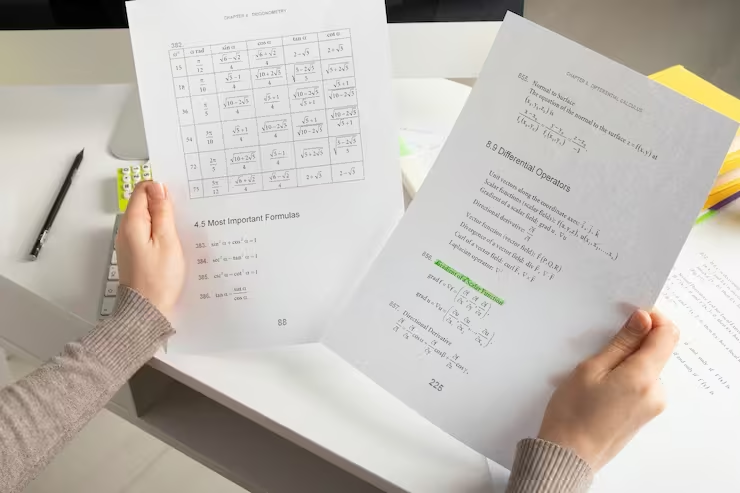
How to Remove Handwriting from a Scanned Document
A practical guide to removing handwritten notes, scribbles, and annotations from scanned documents while preserving layout, text, and colors.
Read More