Remove Answers from Worksheets Online
Upload a completed worksheet image or PDF to remove handwritten answers, pencil notes, teacher marks, and pen marks while keeping the printed questions, lines, tables, and page layout easy to read.
Drop your files here
or click to browse files
Remove Filled-In Answers
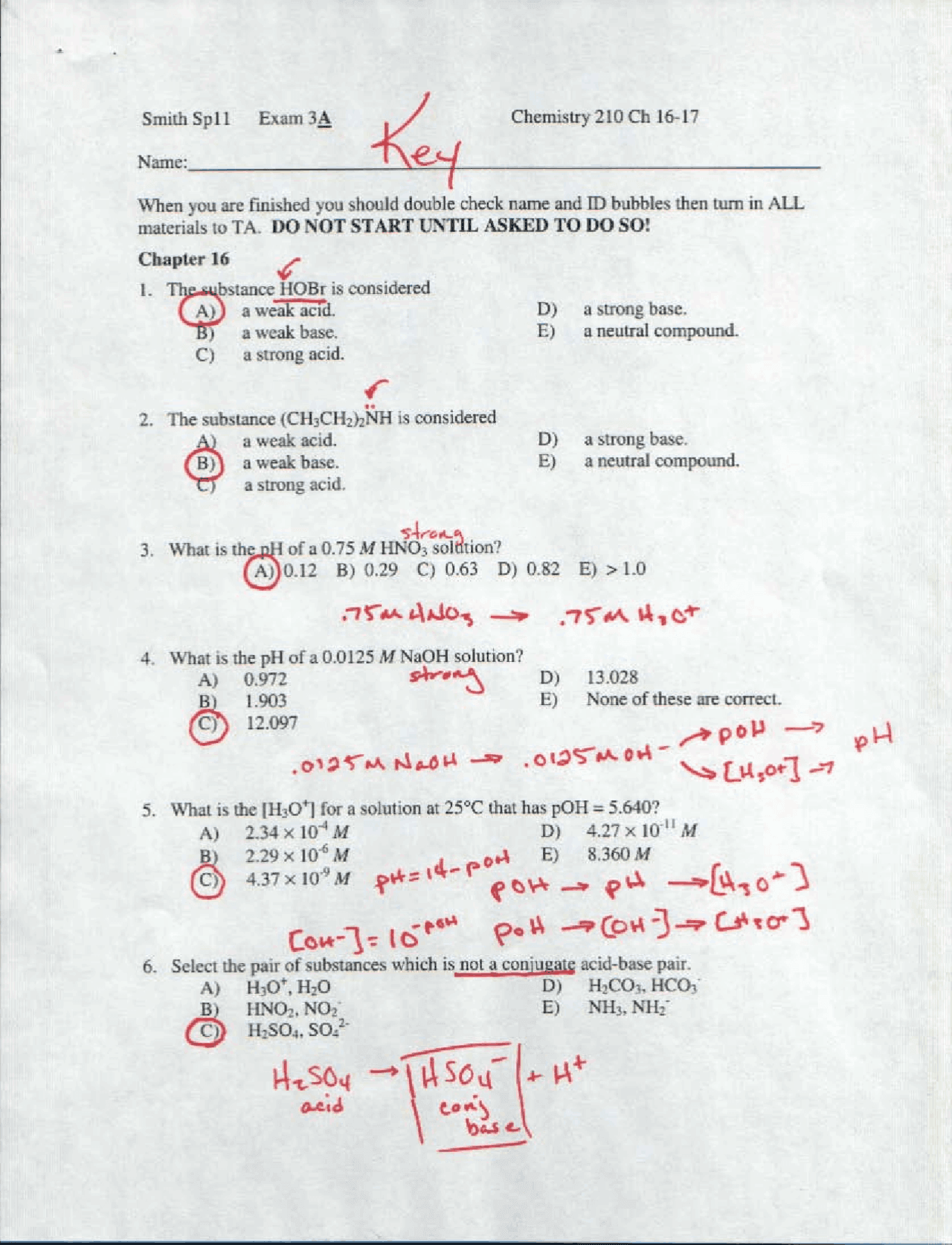
Erase student answers, pencil writing, pen marks, circles, underlines, and scribbles from used worksheets. Works with single worksheet images or multi-page worksheet PDFs.
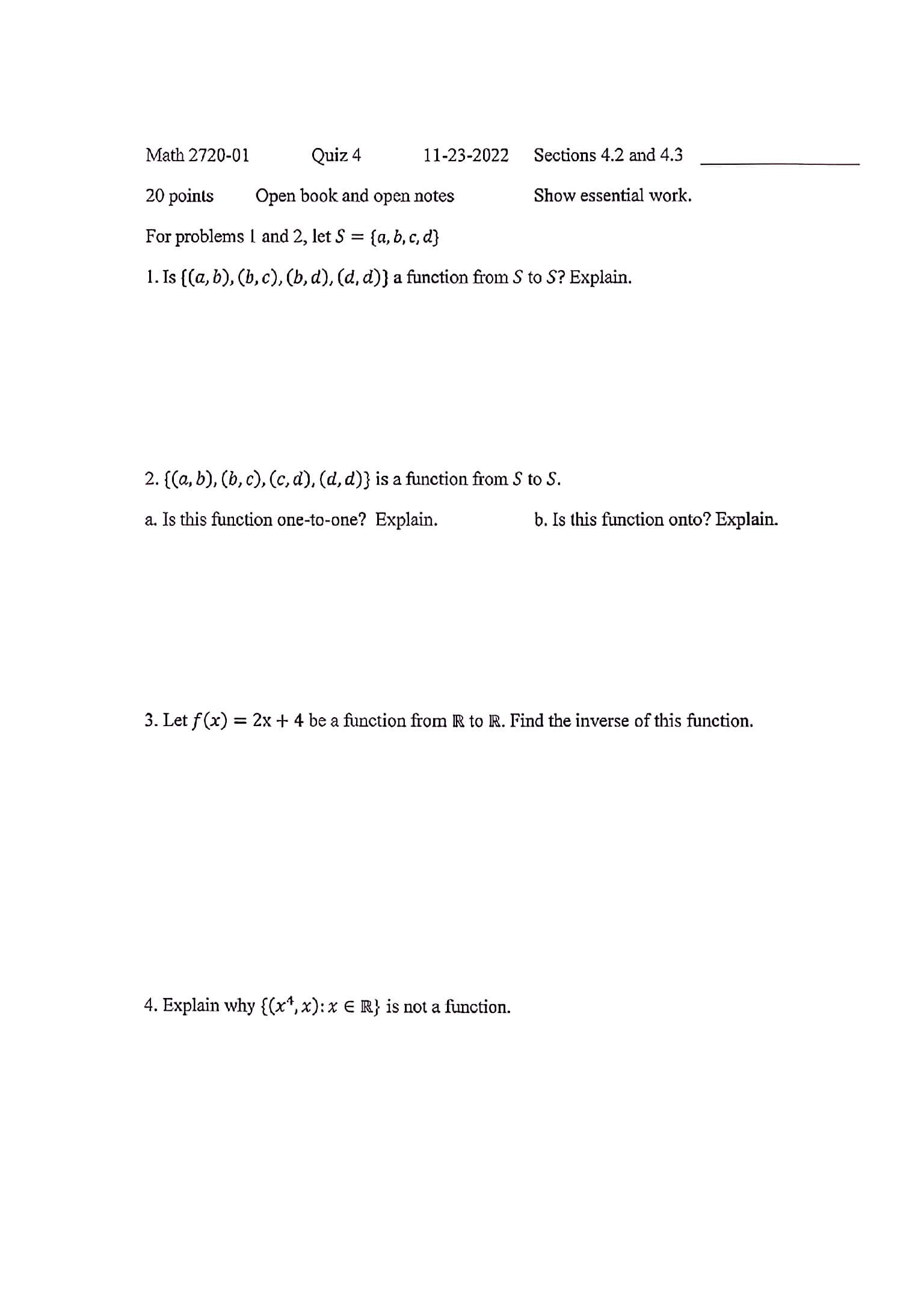
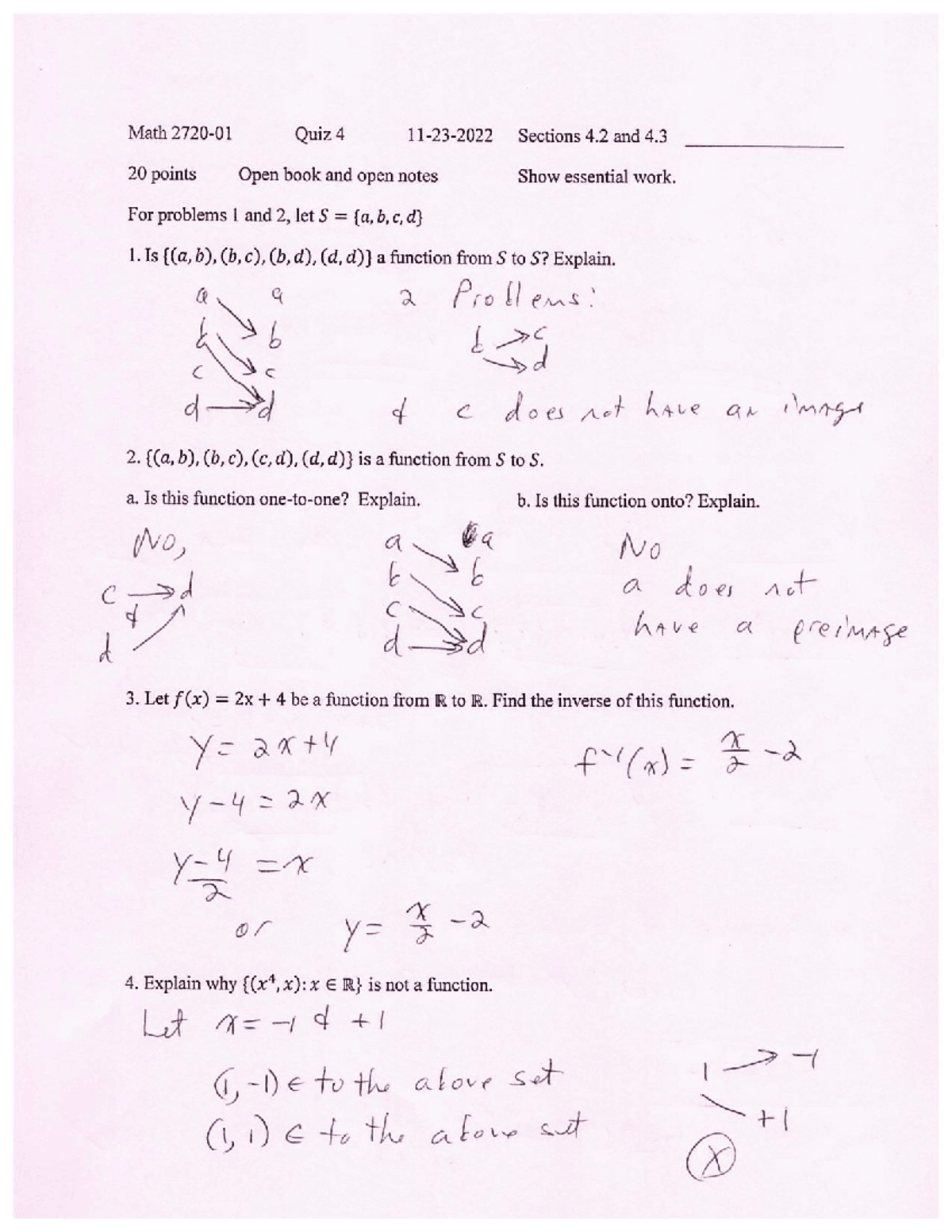
Keep Printed Questions Intact
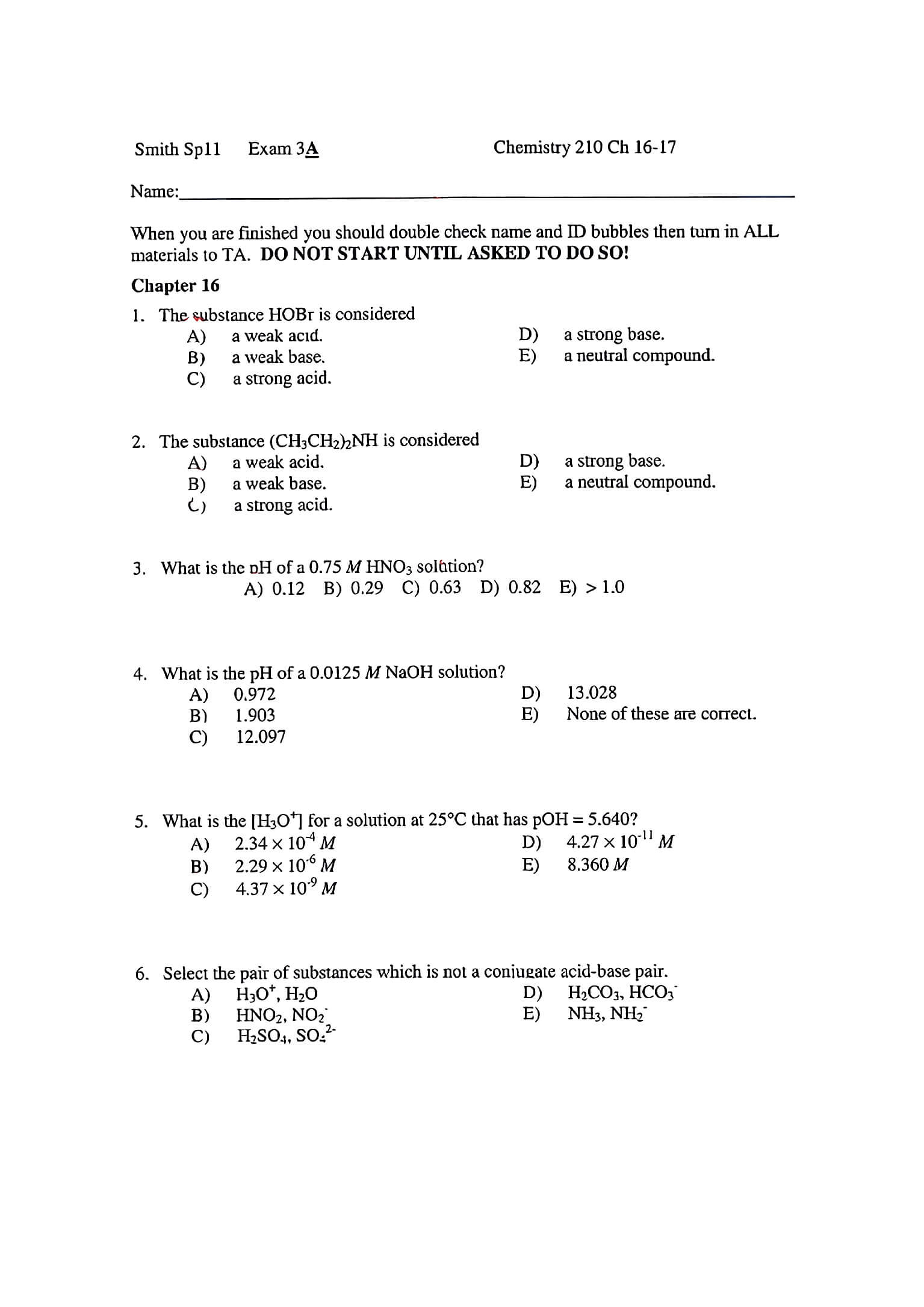
Clean handwritten answers while preserving the worksheet's printed questions, answer boxes, tables, diagrams, page numbers, and original layout as much as possible.
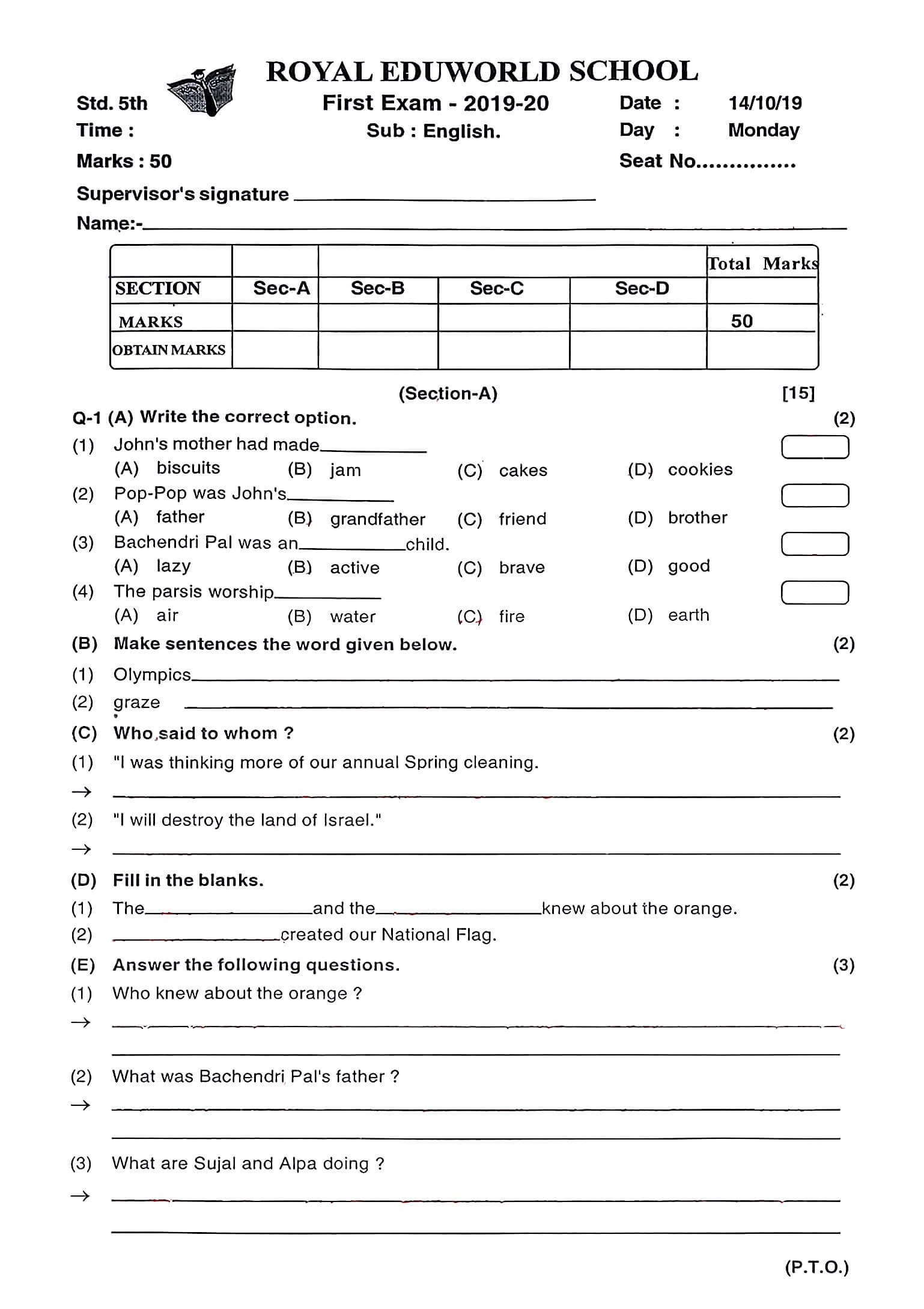
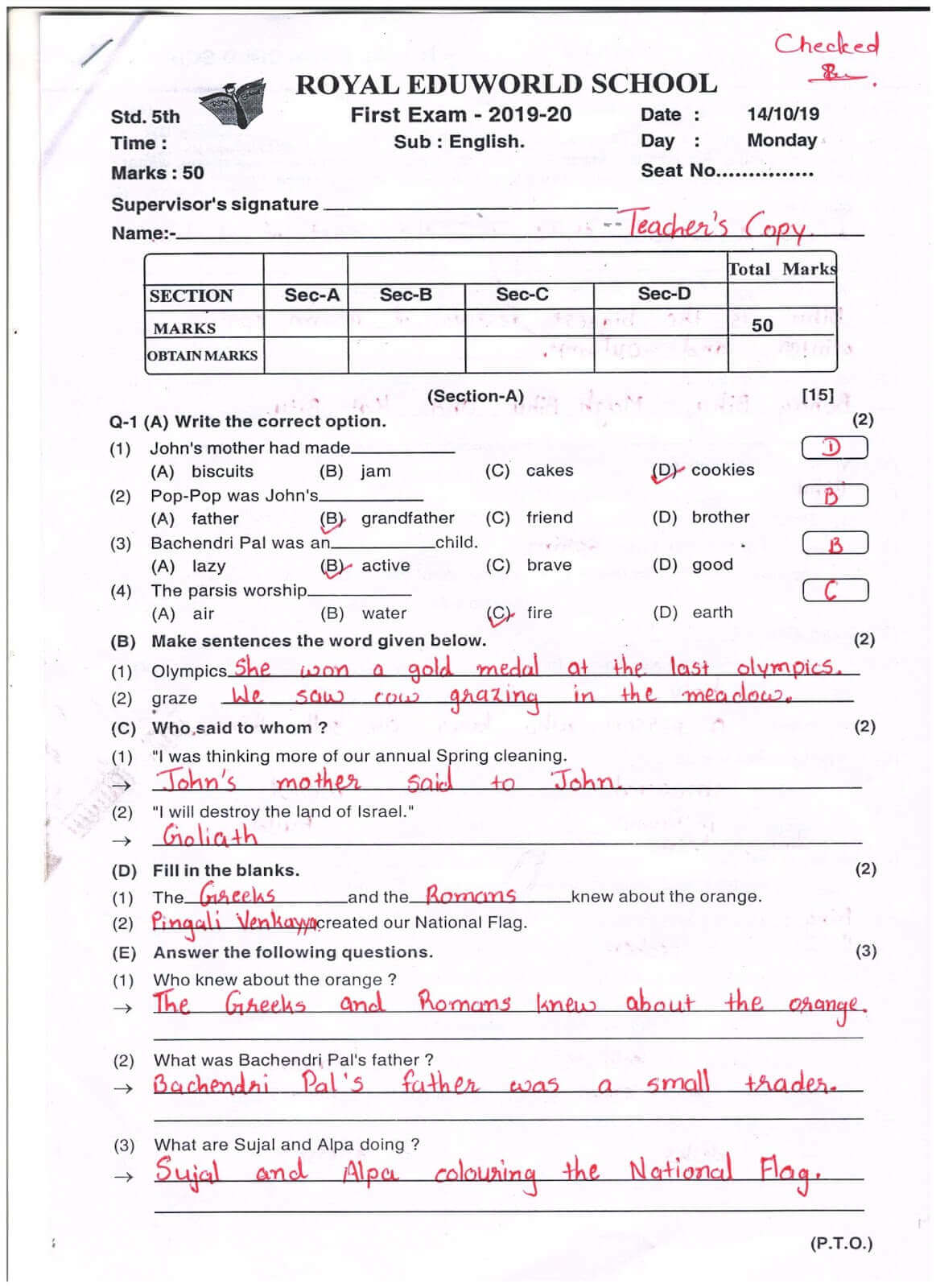
Make Used Worksheets Blank Again
Turn completed homework pages, classroom handouts, and printable practice sheets back into cleaner blank versions that are easier to print, reuse, or share.
Remove Worksheet Answers in 4 Simple Steps
Upload your completed worksheet
Choose a worksheet photo, scanned page, screenshot, or PDF packet from your device.
Pick a cleanup model
Use Basic for fast black-and-white worksheet cleanup, or Advanced to better preserve the original page color and remove finer marks.
Remove the answers
The tool removes handwritten answers, notes, pen marks, and teacher corrections while keeping the printed worksheet layout as clean as possible.
Fine-tune and download
If any marks remain, use manual editing to clean specific areas, then download the cleaned worksheet as an image or PDF for printing or reuse.
Turn Completed Worksheets Back into Reusable Pages
Remove answers from homework pages, practice sheets, classroom handouts, and worksheet packets so they can be reused for teaching, studying, tutoring, or printing.

Teachers
Remove student answers, red pen corrections, and classroom notes from completed worksheets so you can reuse the same handout for another class.

Parents and Tutors
Clean filled-in practice sheets for another child, another tutoring session, or repeated exam preparation without searching for the original blank file.

Students
Remove draft answers, pencil notes, and study marks from scanned worksheets before organizing, reprinting, sharing, or practicing again.
What users are saying
Teachers, tutors, students, and parents use this tool to turn completed worksheets into cleaner reusable pages.
“I use it to remove answers from worksheets after my students complete them. It saves me from recreating the same handouts every week.”
Sarah M.
Primary school teacher
“I clean old practice sheets before reprinting them for tutoring sessions. It works especially well when the answers are written in pencil or pen.”
Daniel R.
Math tutor
“I scanned a stack of completed worksheets and cleaned the answers so my younger child could use them again. Much faster than finding the originals.”
Emily C.
Parent
Frequently Asked Questions
Answers to common questions about removing answers from worksheets, homework pages, and printable practice sheets.
Can I remove answers from a completed worksheet?
Yes. You can upload a worksheet image or PDF and remove handwritten answers, pencil notes, pen marks, circles, underlines, and teacher corrections while keeping the printed worksheet content visible as much as possible.
Can it make a used worksheet blank again?
Yes. The tool is designed to clean filled-in worksheets so they look closer to the original blank version. Results are best when the answers are clearly separated from the printed questions.
Does it work on scanned worksheets?
Yes. The tool works with scanned worksheets, phone photos, screenshots, and worksheet PDFs. For best results, use a sharp, well-lit scan or photo where the answers are clearly visible.
Can I clean a worksheet PDF?
Yes. If your worksheet is a multi-page PDF packet, you can upload the PDF and clean the pages without converting each page into an image manually.
Will the printed questions stay visible?
The tool is designed to remove answers while preserving printed worksheet text, boxes, tables, diagrams, and layouts. Results are best when handwriting does not heavily overlap the printed content.
Can it remove pencil marks and red teacher corrections?
Yes. It can remove many types of worksheet marks, including pencil writing, blue or black pen, red teacher corrections, circles, check marks, arrows, underlines, and scribbles.
What if the answer overlaps the printed question?
If an answer is written directly over printed questions, diagrams, or tables, cleanup may be harder and some manual editing may be needed. Clear scans with separated writing usually produce better results.
Can I reuse the cleaned worksheet for printing?
Yes. After cleaning, you can download the worksheet and print it again, use it for study, share it with students, or keep a cleaner copy for your records.
Is my uploaded worksheet private?
Yes. Uploaded files are processed securely and are not used for AI training. Free users' files are automatically deleted from our servers within 24 hours.
Make Used Worksheets Blank Again
Remove handwritten answers, notes, and teacher marks from worksheets, then download a cleaner version for printing, studying, tutoring, or reuse.