Remove Document Shadows from Scans Online
Clean dark, uneven, and shadowed document images with a simple online tool. Make scanned pages, phone photos, forms, receipts, notes, and PDF pages look clearer while preserving readable text and page layout.
Need to remove shadows from a regular photo? Use Shadow Remover
Drop your files here
or click to browse files
Remove Shadows from Document Photos
Clean shadows caused by hands, phones, lamps, desks, or nearby objects in quick document photos. Upload your file, click Process, and make contracts, notes, receipts, forms, worksheets, and book pages easier to read.
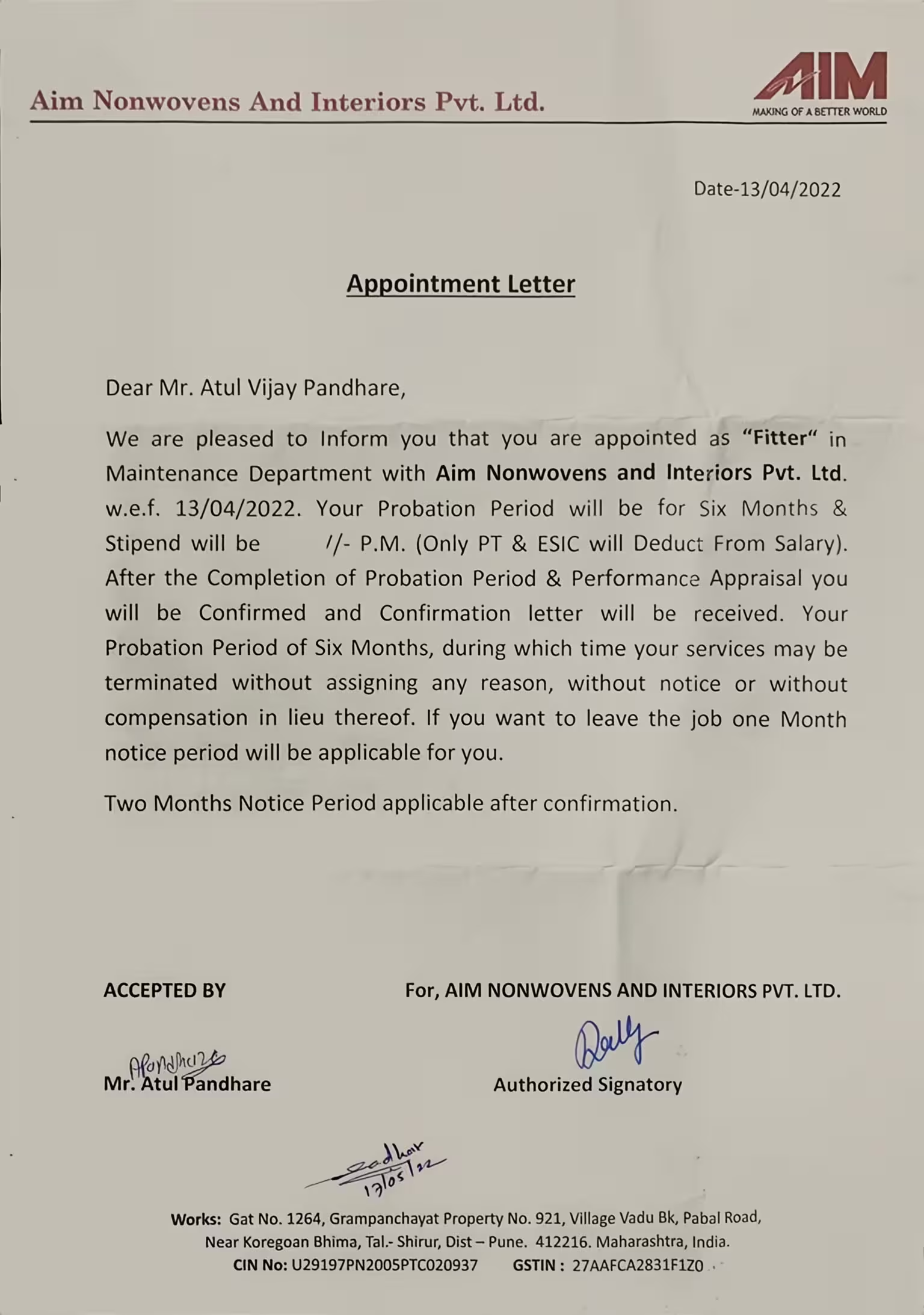
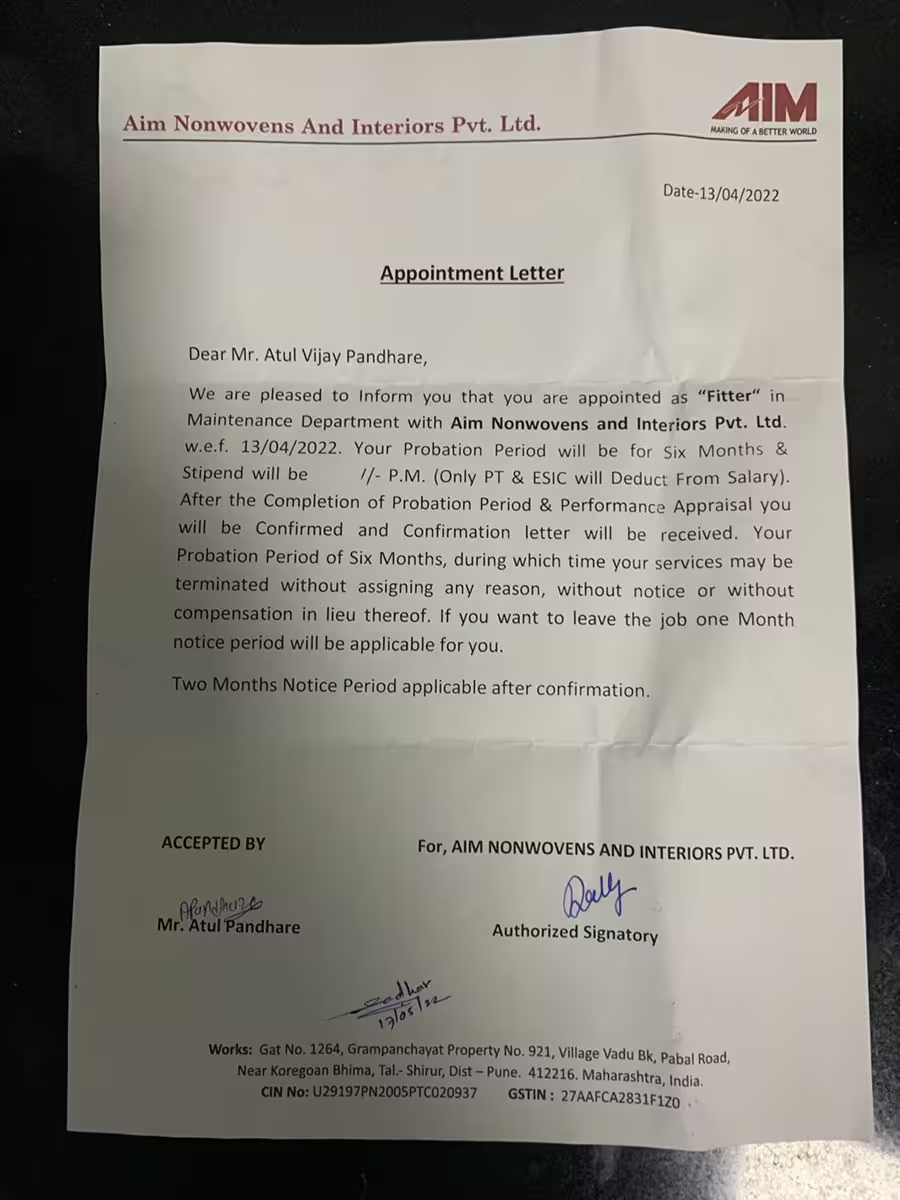
Improve Scanned Pages and PDFs
Reduce scanner shadows, gray backgrounds, dark borders, and uneven brightness in scanned pages and image based PDFs. Keep the page clear for reading, sharing, printing, or archiving.
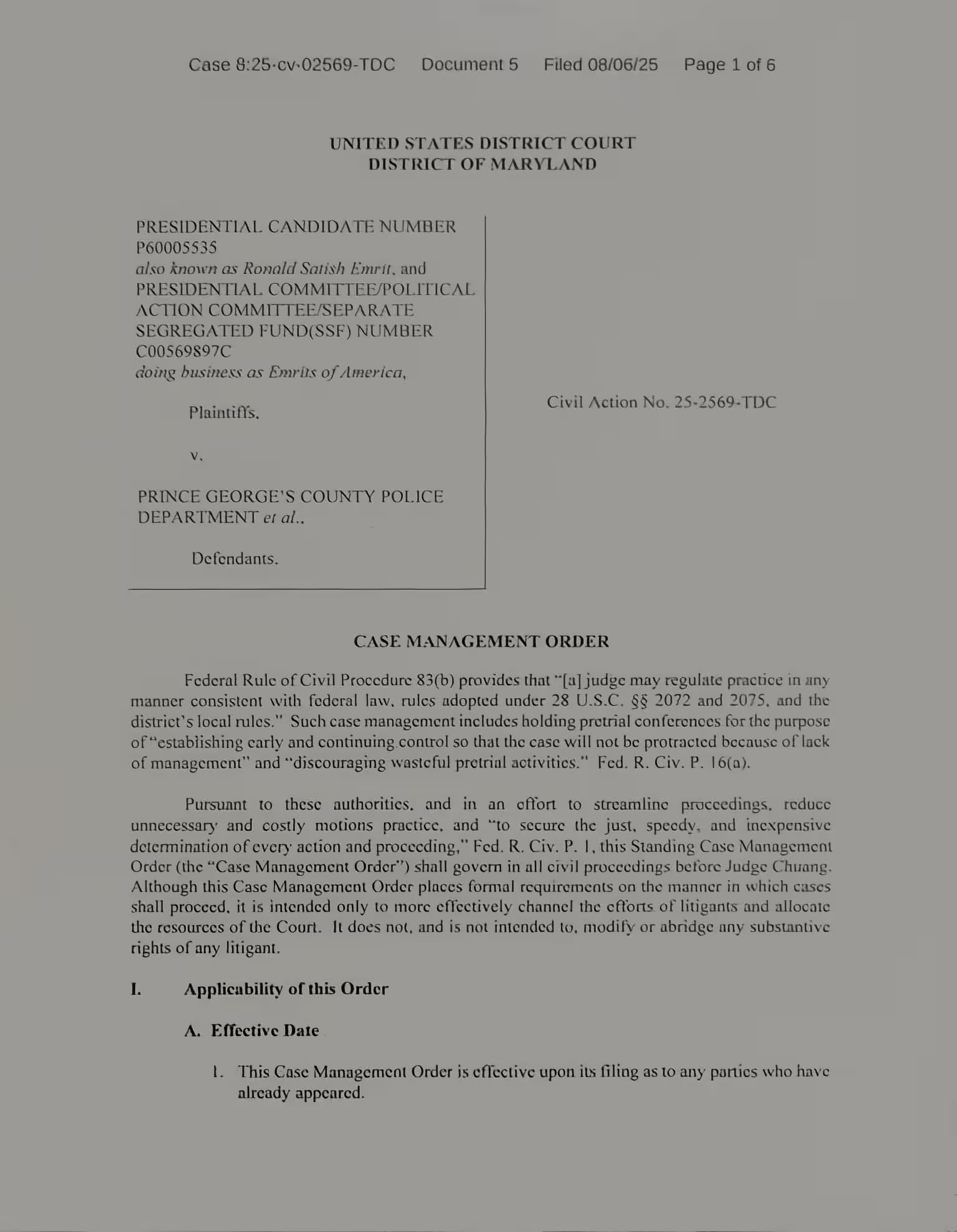
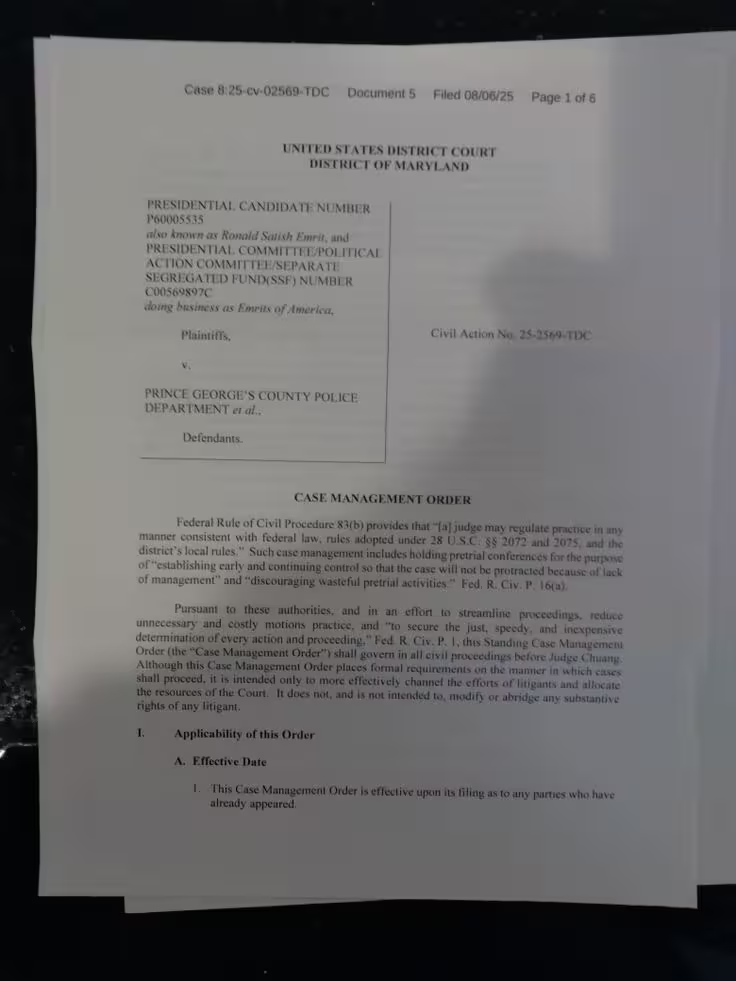
Keep Text and Layout Readable
Preserve printed text, tables, form fields, receipts, charts, margins, and page structure while reducing shadows and uneven lighting across the document surface.
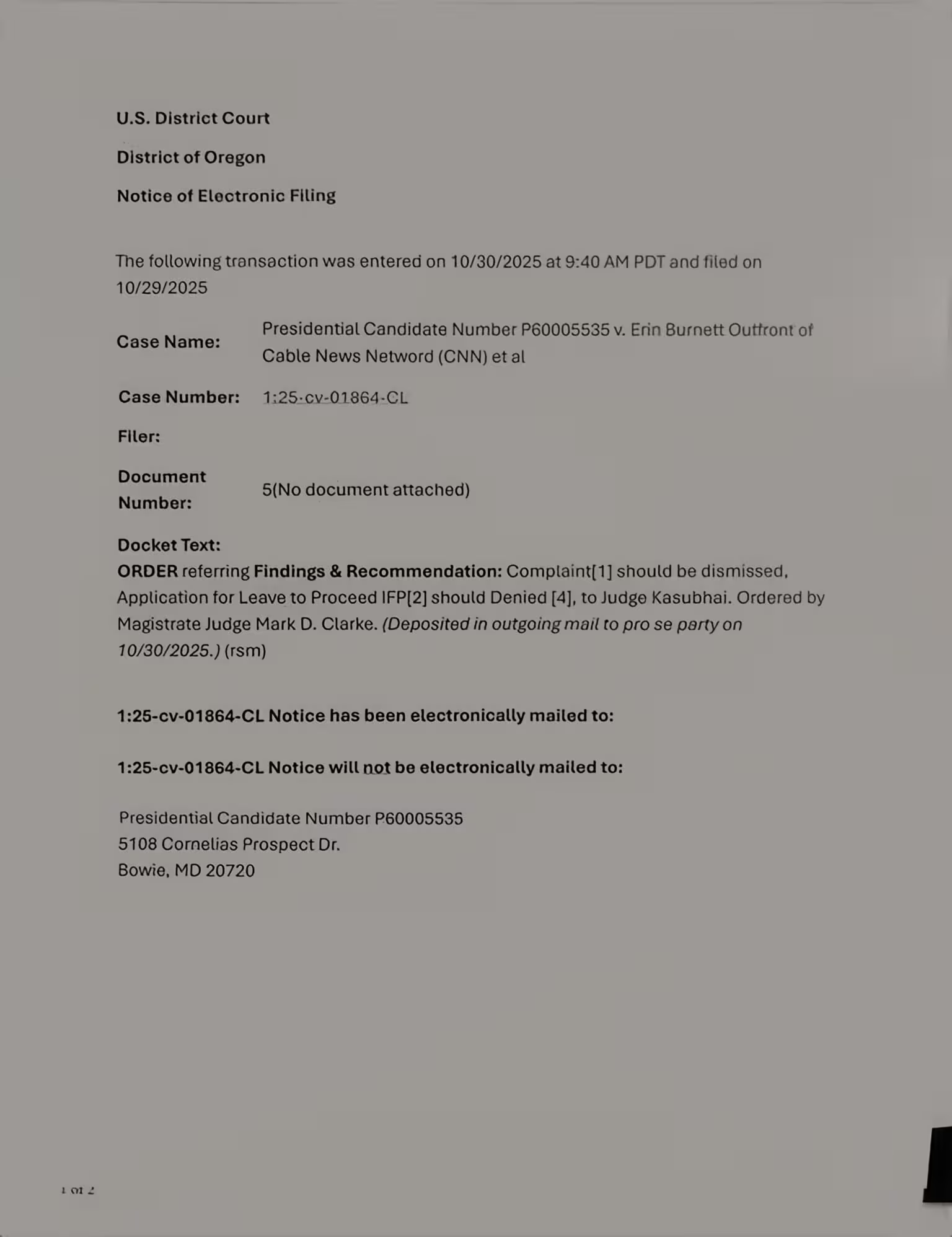
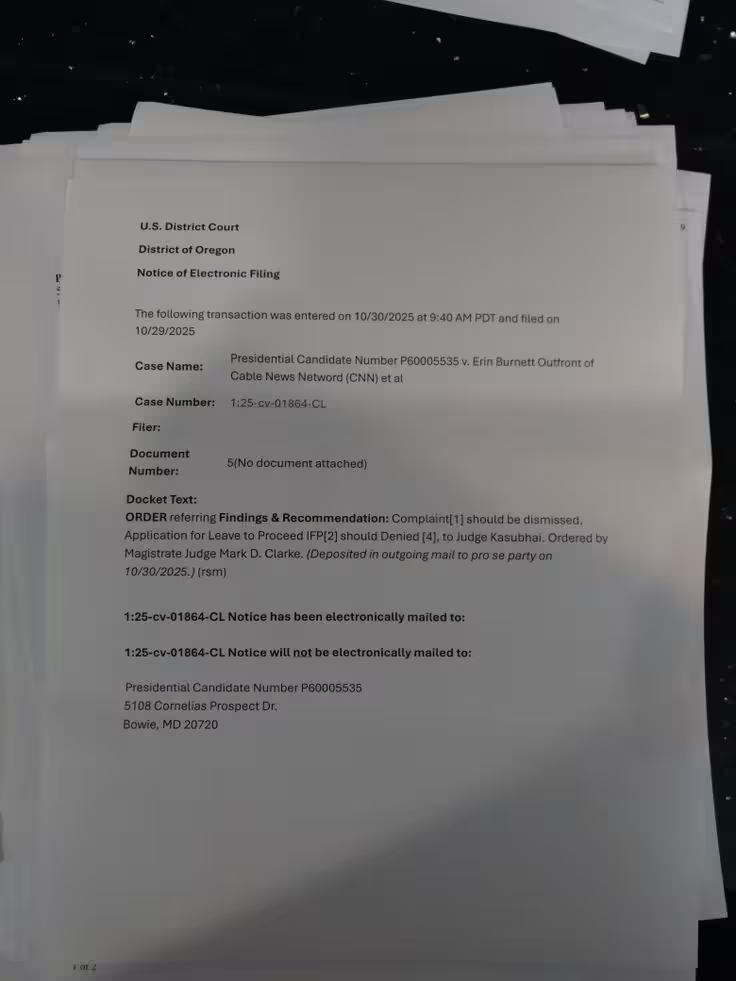
Remove Document Shadows in 4 Steps
Upload Your Document
Choose a document photo, scanned page, screenshot, or PDF file from your device. Supported formats include JPG, PNG, WebP, and PDF.
Click Process
After the file is uploaded, click the Process button. The tool starts cleanup automatically, so you do not need brushes, masks, or manual settings.
Remove Shadows in One Step
The remover reduces visible shadow areas, including hand shadows, phone shadows, desk shadows, dark borders, gray backgrounds, and uneven lighting.
Review and Download
Preview the cleaned result, check that the text and layout are readable, then download the processed document as an image or PDF.
Clean Shadowed Documents for Reading and Sharing
Use the document shadow remover for photos, scans, receipts, forms, worksheets, book pages, reports, and archived documents.

Phone Document Photos
Reduce hand shadows, phone shadows, dark corners, and uneven lighting in quick document photos.

Forms and Paperwork
Clean shadowed forms, invoices, contracts, receipts, and letters before sending, printing, or saving.
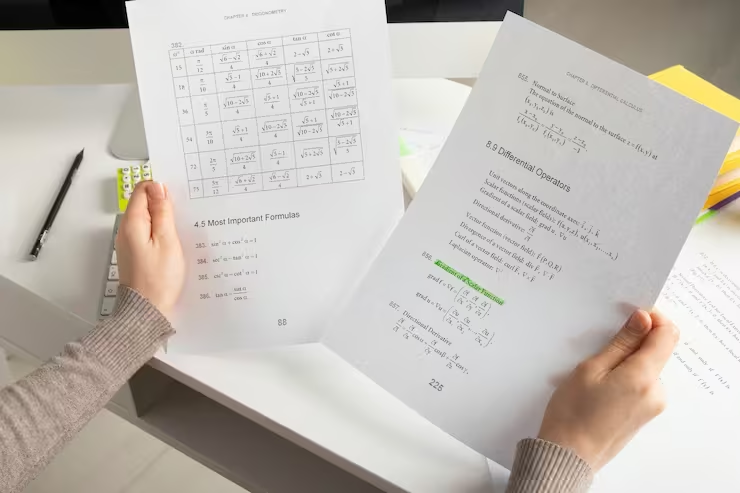
Study Materials
Make worksheets, notes, textbook pages, and classroom handouts easier to read.
More Tools
Explore other tools for cleaning documents, images, scanned pages, and visual files in a simple online workflow.
Handwriting Remover
Remove handwriting, pen marks, highlights, scribbles, notes, and written corrections from document images and PDF files while keeping the original page readable.
Text Remover
Erase captions, labels, annotations, signs, subtitles, and other text overlays from images when unwanted text distracts from the main visual.
Background Remover
Remove image backgrounds from product photos, portraits, objects, and design assets for cleaner reusable visuals.
Frequently Asked Questions
Find answers to common questions about removing shadows from document photos, scanned pages, screenshots, and PDF files online.
Can I remove shadows from a document photo?
Yes. Upload a document photo in JPG, PNG, or WebP format, then click Process. The tool can reduce common shadows caused by hands, phones, desks, lamps, dark corners, and uneven lighting.
Does it work on PDF files?
Yes. You can upload PDF files as well as JPG, PNG, and WebP images. PDF pages are processed as document images so shadows and lighting problems can be reduced across scanned pages.
Will it keep the text readable?
The tool is designed for document cleanup and aims to preserve printed text, tables, form fields, page layout, and other important details while reducing shadows.
Can it fix very dark document photos?
It can improve many dark or uneven document photos when the text is still visible. Completely black, blurry, or overexposed areas may not recover all missing details.
Do I need to edit the shadows manually?
No. Upload a supported file, click Process, and let the remover reduce shadows automatically. You do not need to select areas, use brushes, or adjust complex settings.
Is this different from the clean scanned document tool?
Yes. This page focuses on removing document shadows and uneven lighting. The clean scanned document tool covers broader improvements such as crop, skew correction, background cleanup, and page clarity.
Are my documents private?
Yes. Uploaded files are processed securely and are not used for AI training. Free users' files are automatically deleted from our servers within 24 hours.
Remove Shadows from Your Document
Upload a JPG, PNG, WebP, or PDF file, click Process, and clean hand shadows, desk shadows, dark corners, gray backgrounds, and uneven lighting from document photos and scanned pages.