Remove Pen Marks from Documents Online
Upload a scanned document, photo, or PDF to remove unwanted pen marks, ink notes, underlines, circles, red corrections, and handwritten annotations while keeping the original printed content and layout easy to read.
Drop your files here
or click to browse files
Remove Pen Marks and Ink Notes
Clean blue pen, black pen, red pen corrections, underlines, circles, arrows, check marks, scribbles, and handwritten annotations from document images and PDF documents.
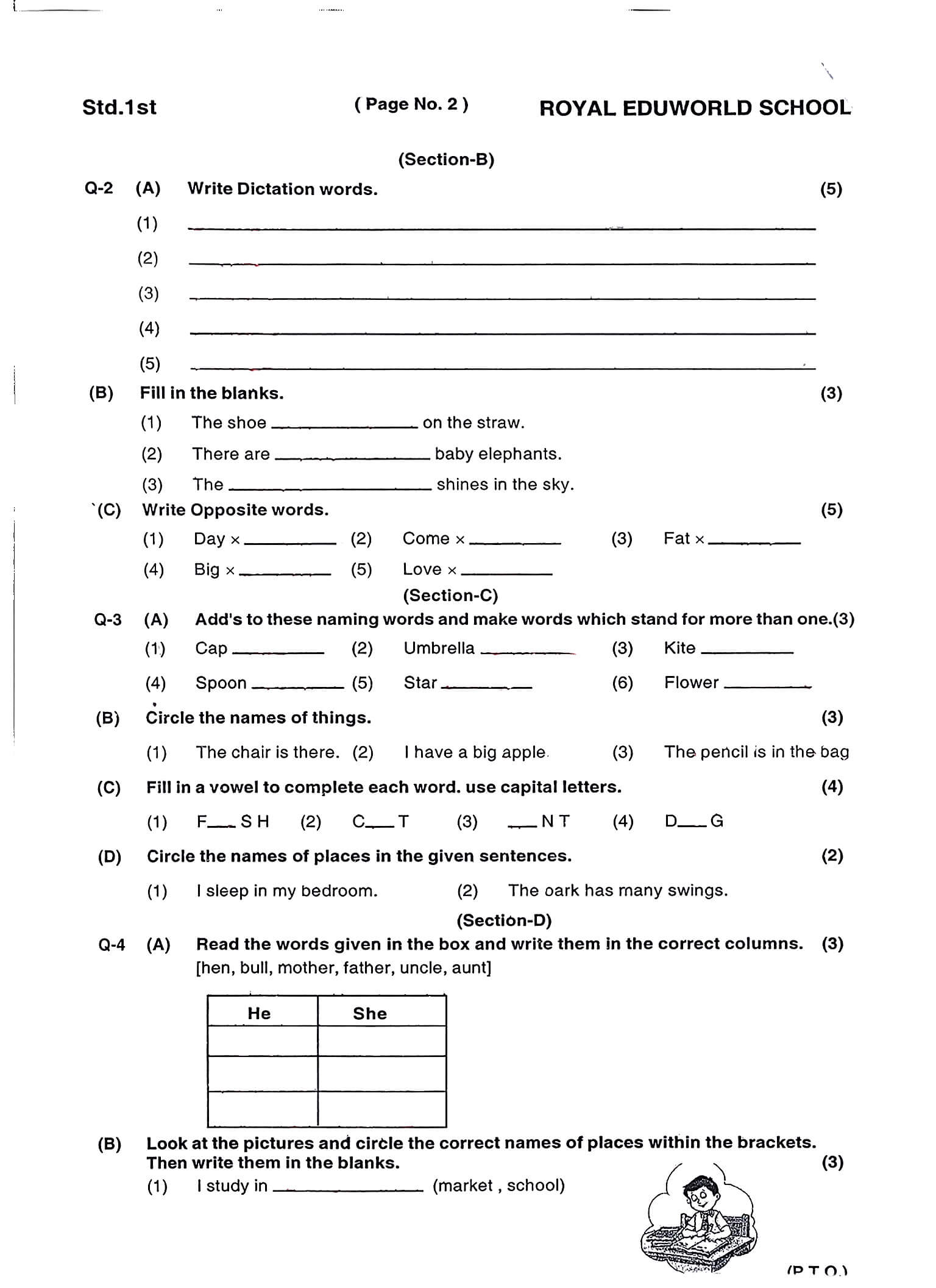
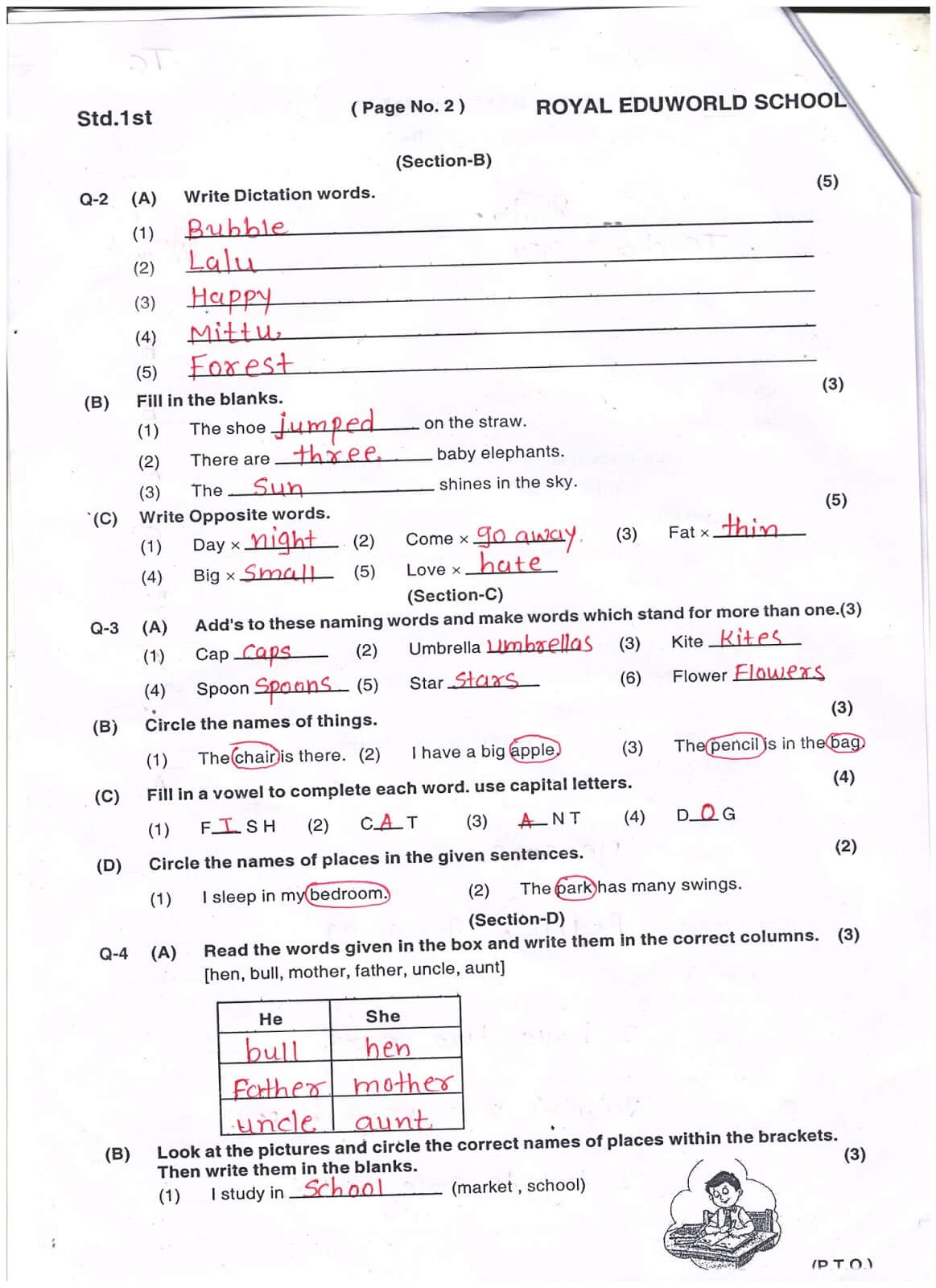
Keep Printed Text and Layout Clear
Remove unwanted pen strokes while preserving the document's printed text, tables, form fields, margins, lines, and original page structure as much as possible.
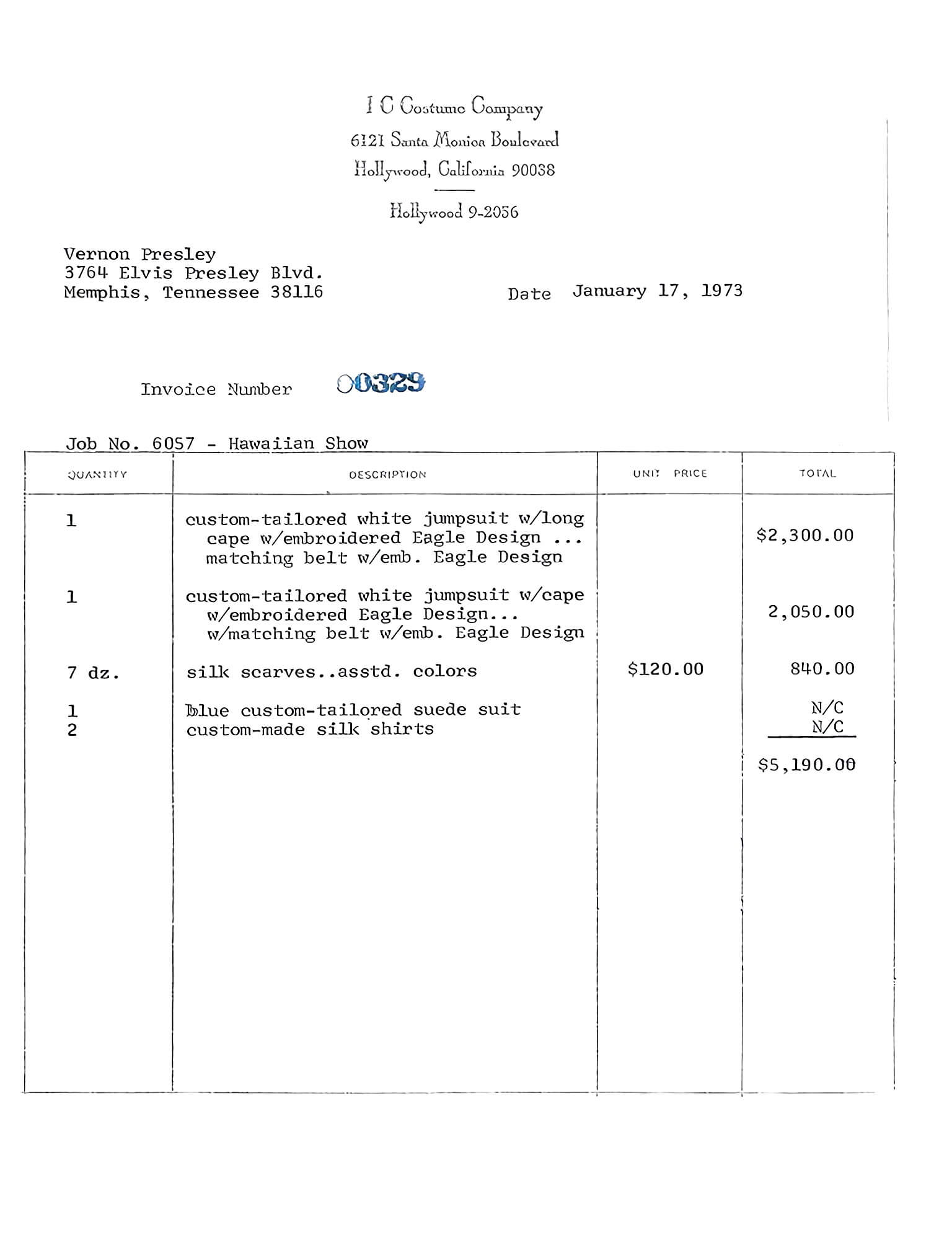
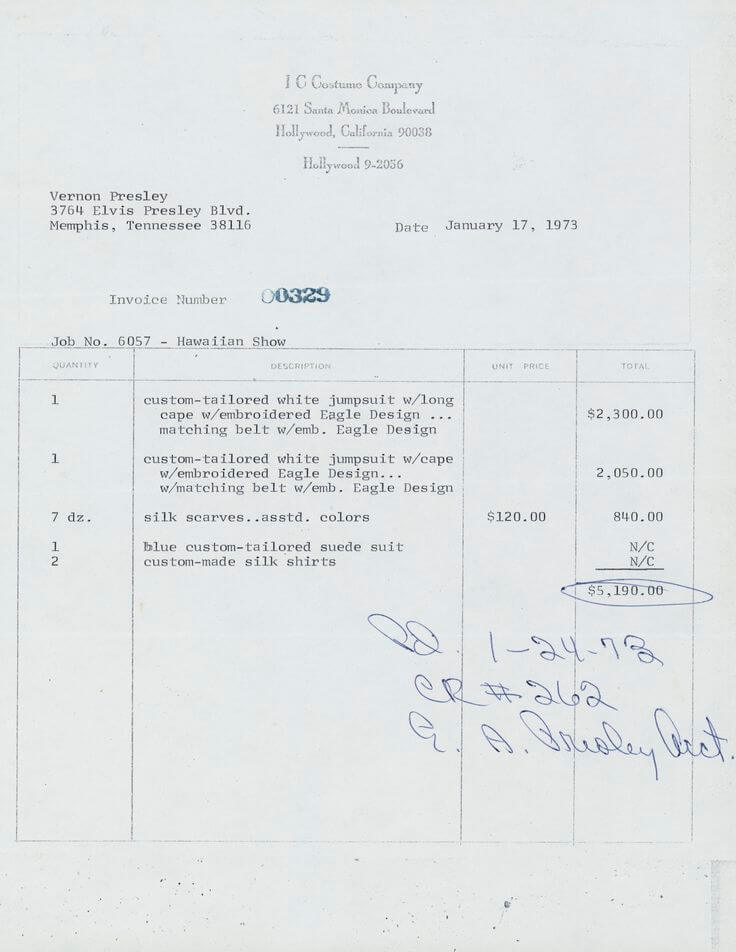
Clean Scanned Documents and Photos
Use it on scanned paperwork, phone photos of documents, screenshots, and PDF pages. The tool can help crop to the page, straighten skewed scans, and create a cleaner result.
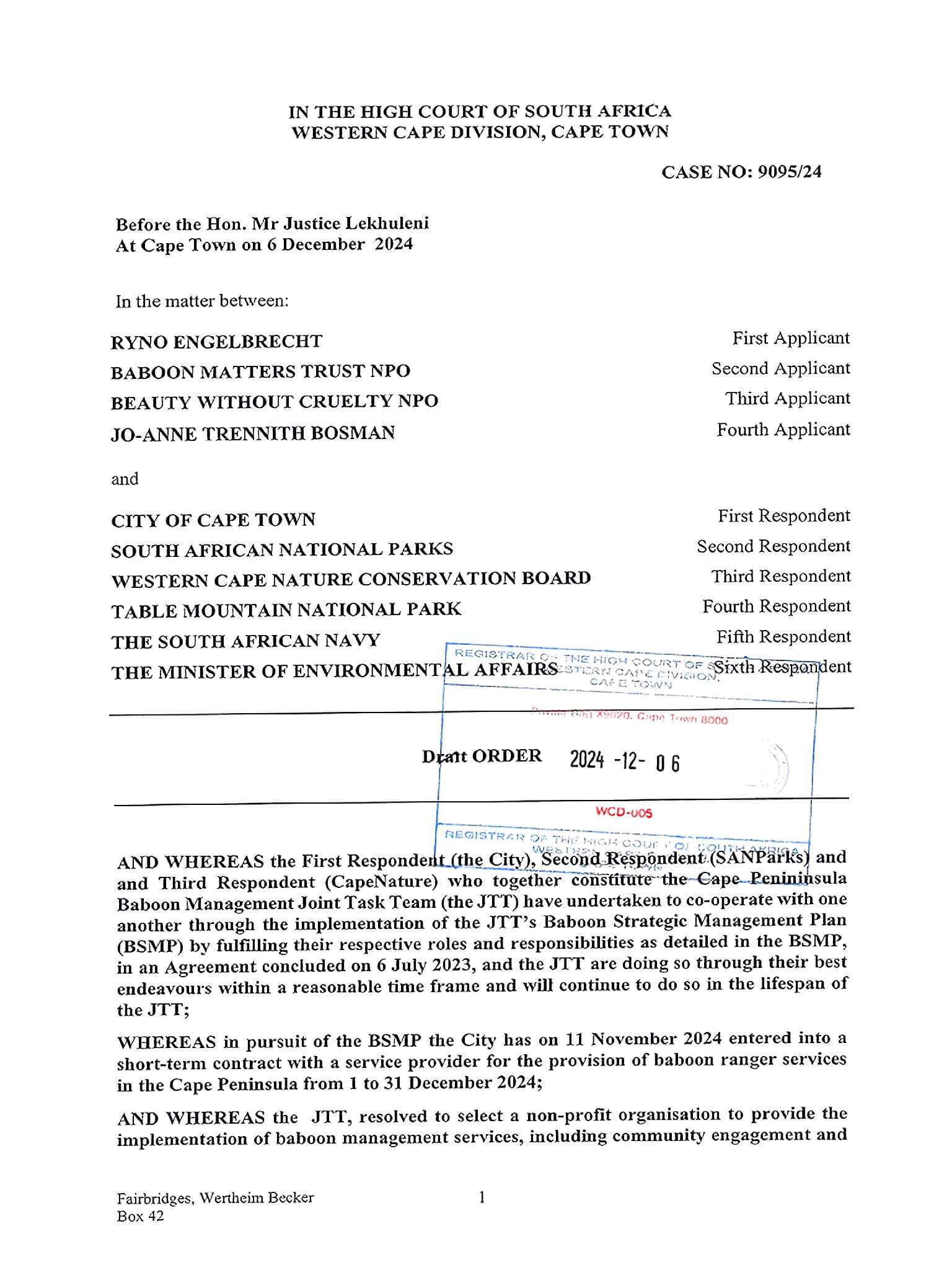
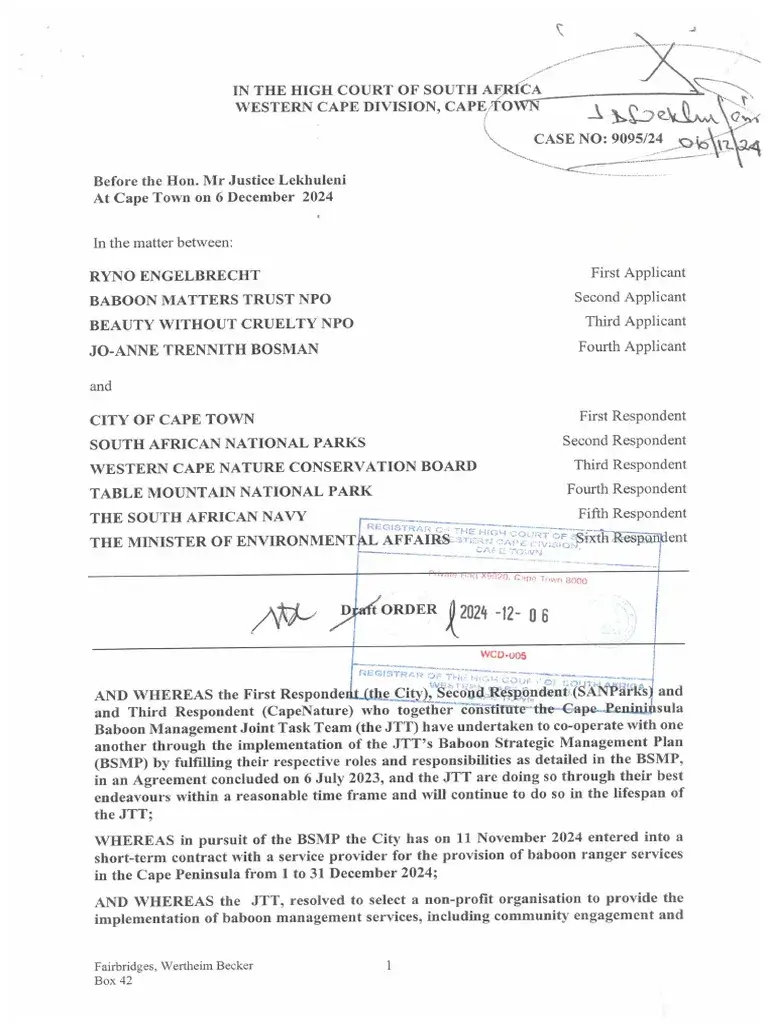
Remove Pen Marks in 4 Steps
Upload your document
Choose a scanned document, phone photo, screenshot, JPG, PNG, WebP, or PDF file from your device.
Pick a cleanup model
Use Basic for a fast black-and-white cleanup, or Advanced to better preserve the original page color and remove finer pen marks.
Clean the pen marks
The tool removes ink notes, red corrections, underlines, circles, scribbles, and annotations while keeping the printed document content as clear as possible.
Fine-tune and download
If any marks remain, use manual editing to clean specific areas, then download the cleaned document as an image or PDF.
Clean Pen-Marked Documents
Remove pen marks from scanned paperwork, forms, contracts, worksheets, study materials, and office documents without recreating the original file from scratch.

Forms and Paperwork
Remove filled-in pen marks, notes, signatures, circles, and corrections from forms so you can recover a cleaner blank copy for reuse or reference.

Office Documents
Clean handwritten comments, reviewer marks, arrows, underlines, and annotations from scanned reports, printed drafts, and shared documents.
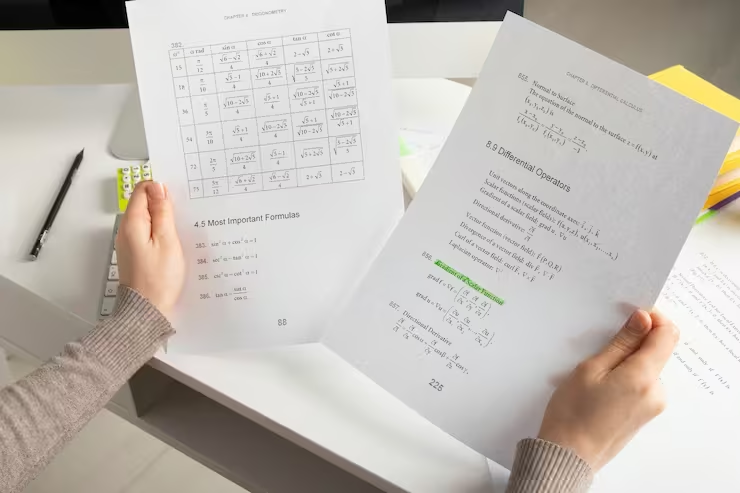
Study Materials
Remove ink notes, highlights, and pen marks from scanned notes, handouts, and practice pages before organizing, printing, or sharing them.
What users are saying
Teachers, students, and office workers use this tool to clean up documents every day.
“I remove handwriting from worksheets every week after my students fill them in. It takes seconds and the cleaned pages look good enough to reuse straight away.”
Sarah M.
Primary school teacher
“After each exam I scan my study guides and remove all my handwritten notes so I can reuse them next semester. The skew correction is a bonus I didn't expect.”
James T.
University student
“We receive a lot of completed forms with handwriting all over them. Being able to remove it and recover the blank template digitally saves us a lot of reprinting.”
Linda C.
Office administrator
Frequently Asked Questions
Answers to common questions about removing pen marks, ink notes, and handwritten annotations from documents.
Can I remove pen marks from a scanned document?
Yes. You can upload a scanned document, photo, screenshot, or PDF and remove pen marks, ink notes, red corrections, underlines, circles, arrows, and handwritten annotations.
Can it remove red pen marks and teacher corrections?
Yes. The tool can remove many types of red pen marks, including corrections, circles, check marks, underlines, arrows, comments, and proofreading marks.
Will the printed text stay visible?
The tool is designed to remove pen marks while preserving printed document text, tables, form fields, and page layout. Results are best when the pen marks do not heavily overlap the printed content.
Can I remove pen marks from a PDF?
Yes. You can upload a PDF document and clean pen marks from its pages without manually converting each page into an image.
Can it remove blue, black, and red ink?
Yes. It can help remove common blue pen, black pen, red pen, pencil marks, and visible ink annotations from document scans and photos.
What if the pen marks are written over printed text?
If pen marks overlap printed text, tables, or diagrams, cleanup may be harder and some manual editing may be needed. A clear scan with separated marks usually produces better results.
Can I use it for forms, contracts, or office documents?
Yes. It can help clean scanned forms, paperwork, printed drafts, reports, contracts, handouts, and other document images or PDFs that contain unwanted pen marks.
Is my uploaded document private?
Yes. Uploaded files are processed securely and are not used for AI training. Free users' files are automatically deleted from our servers within 24 hours.
Remove Pen Marks from Your Document Instantly
Clean ink notes, red corrections, underlines, circles, and handwritten annotations, then download a clearer document for printing, sharing, or reuse.