Clean Document Scans and Photos Online
Upload a document photo, scan, or PDF to crop the page, reduce shadows, soften folds and creases, remove messy backgrounds, and make paper documents easier to read, print, or share.
Drop your files here
or click to browse files
Crop Documents to the Page Frame
Remove the desk, table, dark background, extra borders, and objects around your paper document. Turn a messy document photo or multi-page PDF scan into a cleaner page that looks closer to a real scan.
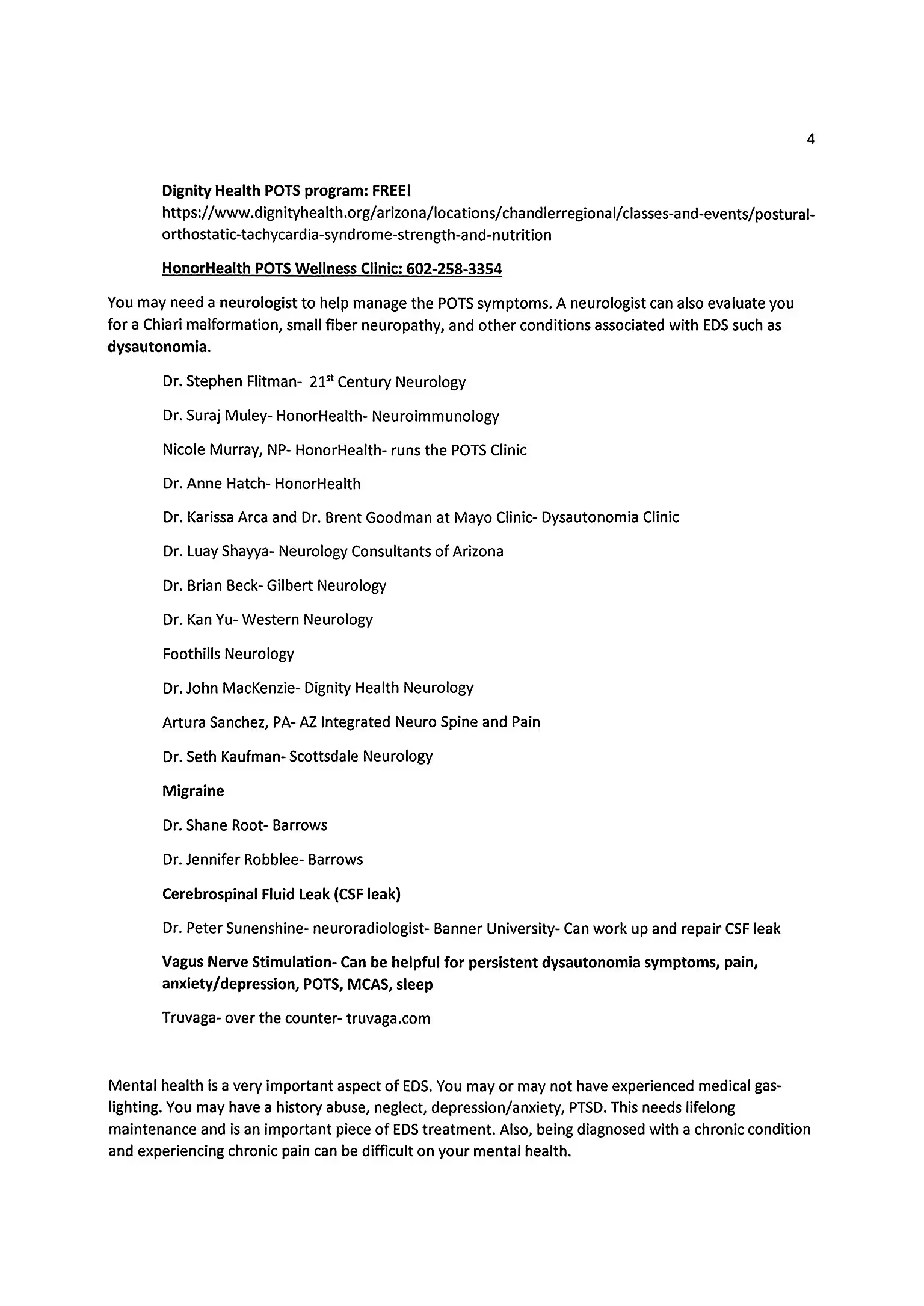
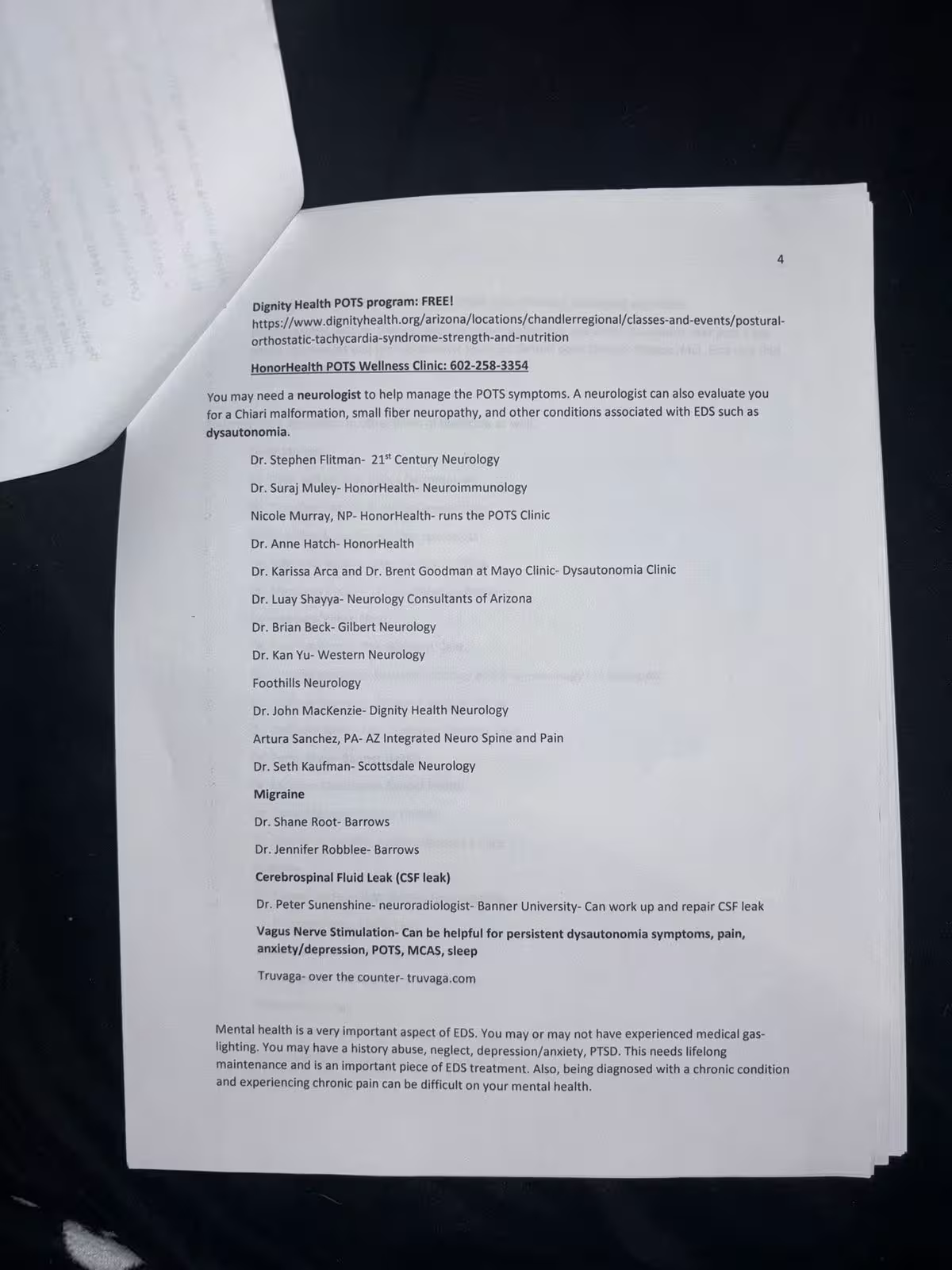
Reduce Shadows and Uneven Lighting
Clean hand shadows, desk shadows, dark corners, bright spots, and uneven lighting from phone photos of paper documents while keeping the text readable.
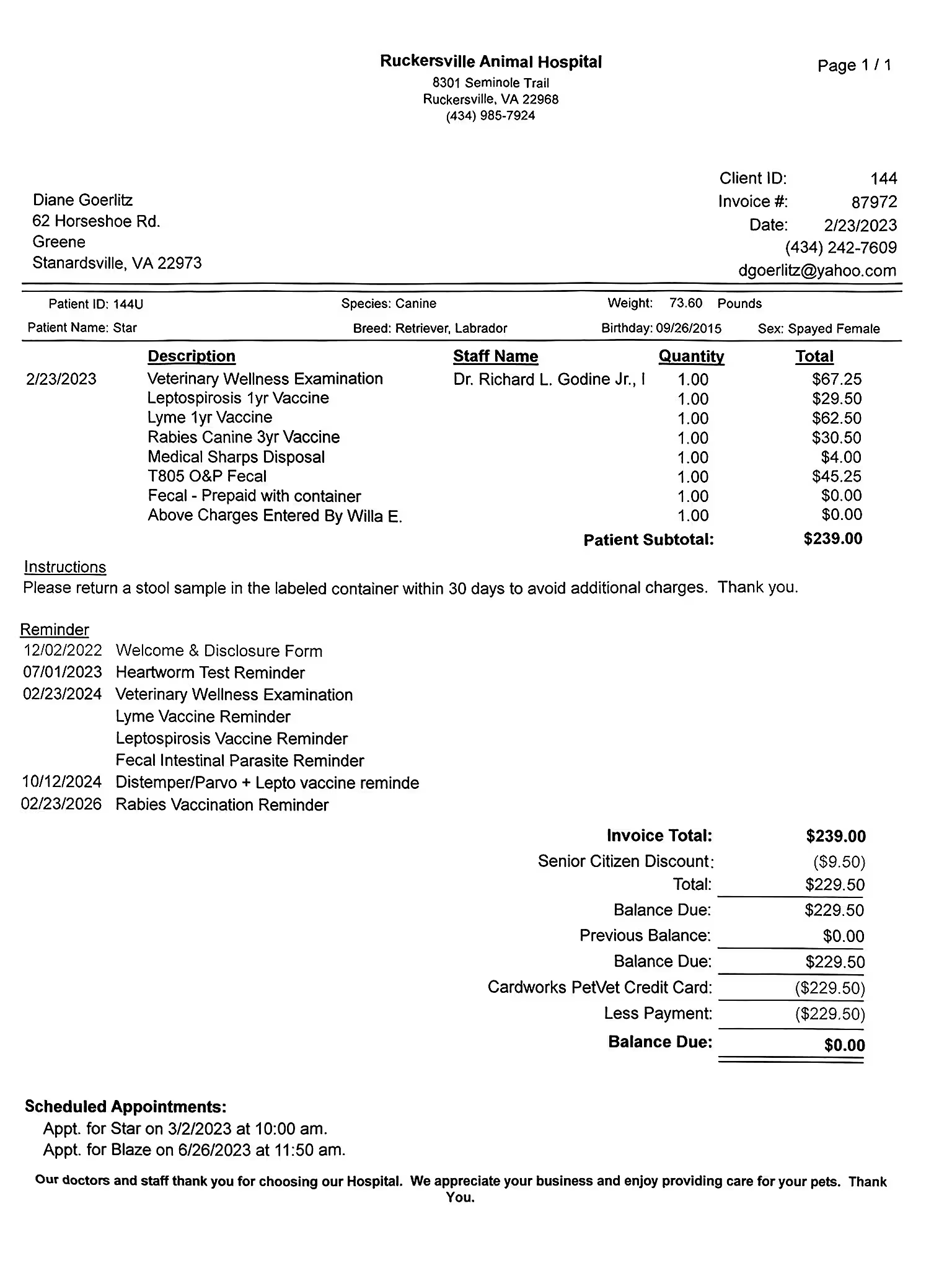
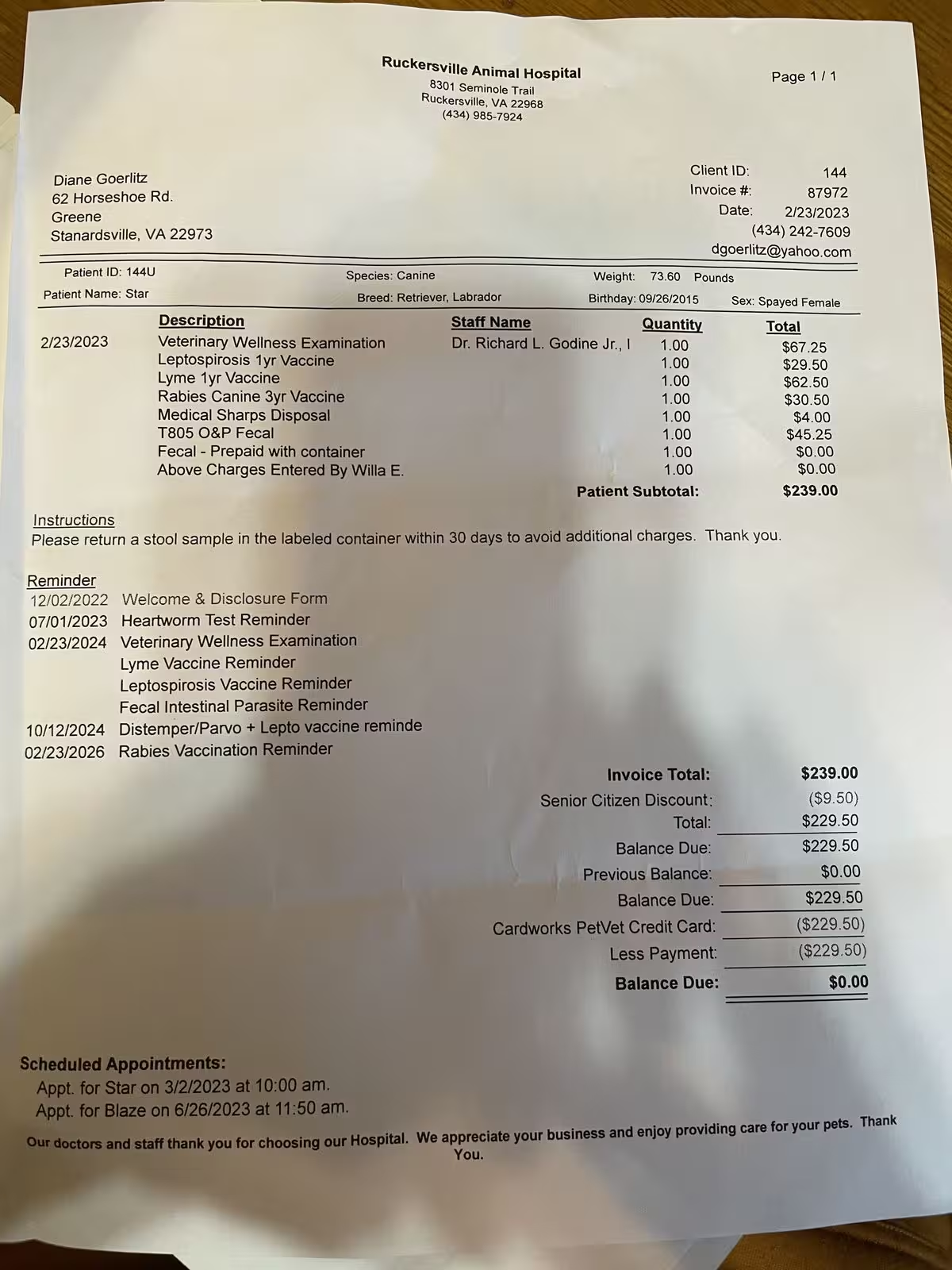
Soften Folds, Creases, and Wrinkles
Reduce visible fold lines, paper wrinkles, gray patches, and scan artifacts from old, folded, or photographed documents so the page looks cleaner and easier to read.
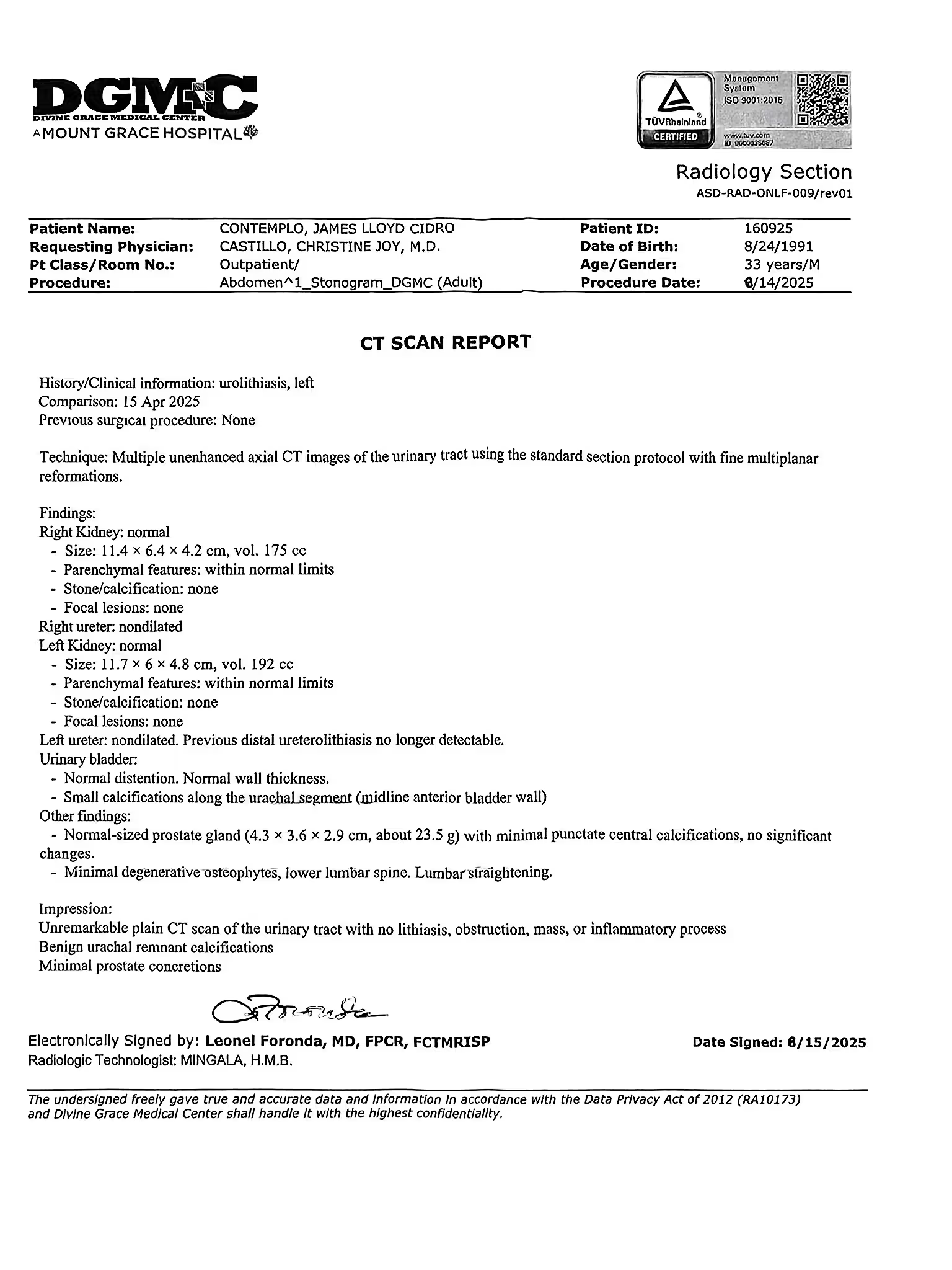
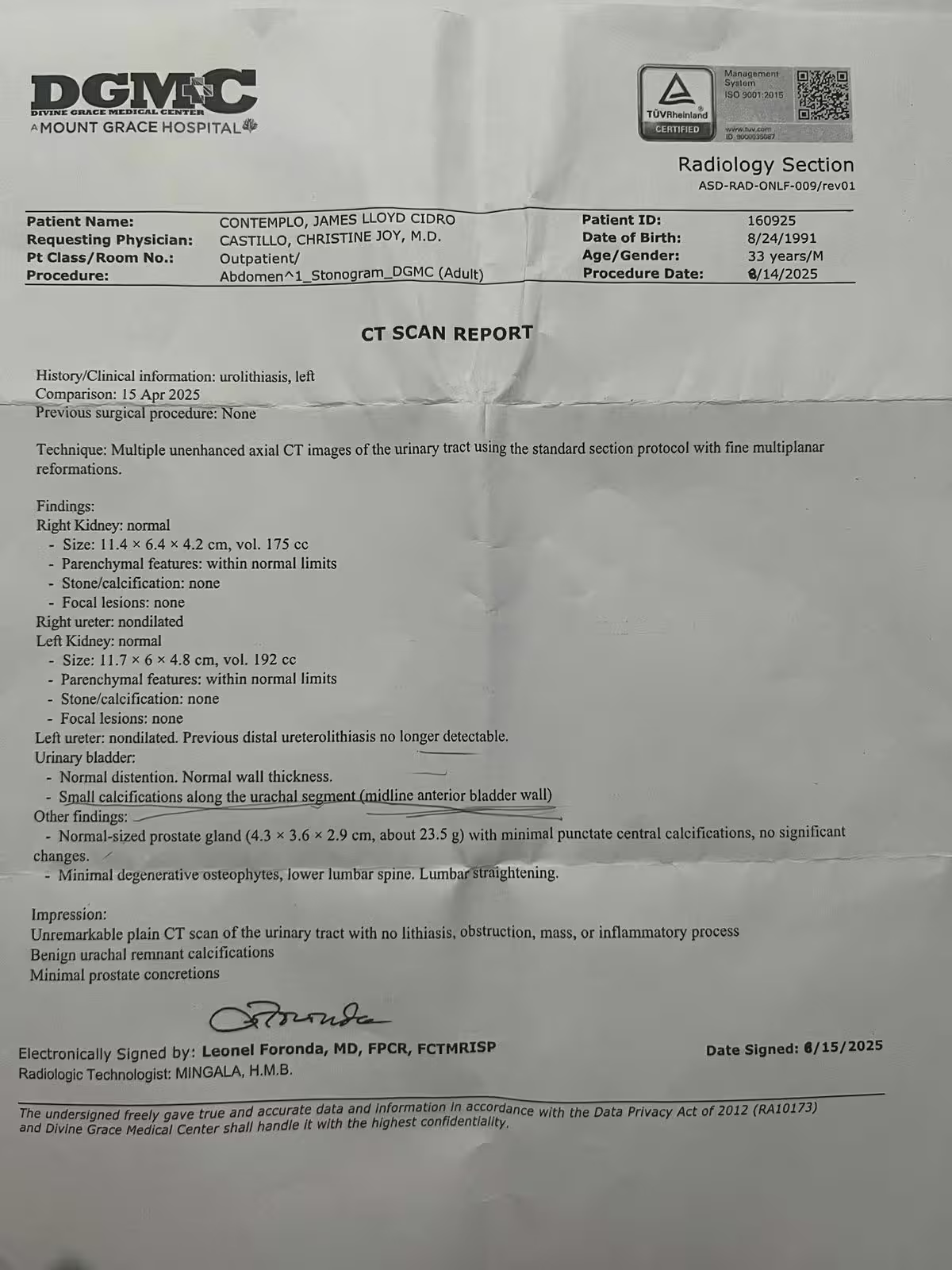
Clean a Document Scan or Photo in 4 Simple Steps
Upload your document
Choose a phone photo, scanned page, screenshot, or PDF document from your device.
Pick a cleanup model
Use Basic for fast document cleanup, or Advanced to better preserve page color, text details, and the original layout.
Clean the page
The tool crops the document frame, reduces shadows, softens creases, cleans gray backgrounds, and improves readability while keeping the page structure visible.
Fine-tune and download
If any areas still look messy, use manual editing to clean specific spots, then download the cleaned document as an image or PDF.
Turn Messy Photos into Clean Documents
Clean document photos, scanned pages, forms, receipts, reports, medical papers, and PDF pages so they are easier to read, print, share, and archive.

Phone Document Photos
Crop the page, remove the surrounding background, reduce shadows, and make paper documents look more like clean scans.
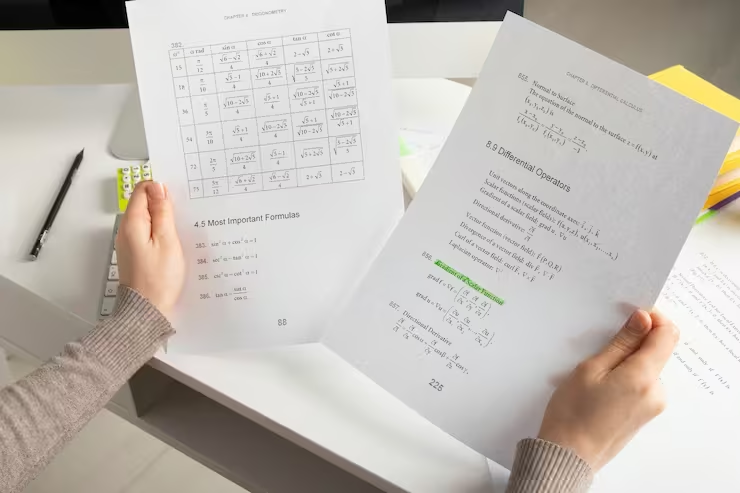
Wrinkled Paper Pages
Improve old paper documents, folded reports, crumpled forms, and scanned pages with visible creases, gray patches, or uneven lighting.
Personal Records
Clean forms, invoices, receipts, reports, letters, medical papers, and other documents before sending, storing, printing, or uploading them.
What users are saying
Students, teachers, parents, and office teams use this tool to turn messy document photos into cleaner reusable pages.
“I cleaned phone photos of forms before sending them to a client. The tool cropped the page and reduced the shadows so the documents looked much more professional.”
Jordan P.
Admin coordinator
“I use it to clean photographed worksheets and handouts before printing them again for tutoring sessions.”
Nina S.
Tutor
“It helped improve folded and gray-looking paperwork without rebuilding the files from scratch. The cleaned pages were much easier to read.”
Leo T.
Small business owner
Frequently Asked Questions
Answers to common questions about cleaning document photos, scanned pages, and PDF documents.
Can I clean a document photo online?
Yes. You can upload a phone photo of a paper document and clean shadows, messy backgrounds, gray areas, borders, folds, creases, and other visible capture problems.
Can it make a document photo look like a scan?
Yes. The tool can help crop the page, remove the surrounding background, reduce uneven lighting, and improve readability so a phone photo looks closer to a clean scanned document.
Does it work on scanned PDFs?
Yes. The tool supports PDF uploads, including multi-page scanned document packets, so you do not need to manually convert each page into an image first.
Can it remove shadows from document photos?
Yes. It can reduce many common document photo shadows, including hand shadows, desk shadows, dark corners, and uneven lighting. Results are best when the text is still visible in the shadowed area.
Can it fix folds, creases, or wrinkled paper?
It can help soften visible fold lines, creases, wrinkles, gray patches, and paper texture artifacts. Very deep folds or areas that hide text may still need manual cleanup.
Can it crop the document automatically?
Yes. The tool can help crop the page frame and remove extra background around the document, such as a desk, table, dark surface, or surrounding objects.
Will the original text stay readable?
The tool is designed to improve document appearance while preserving printed text, form fields, tables, diagrams, and page layout as much as possible. Results are best when the original image is not too blurry or overexposed.
Can it remove handwriting or pen marks too?
This page focuses on cleaning document photos and messy scans. For documents with handwriting, notes, or pen marks, you can also use the handwriting and pen mark cleanup tools.
Can I download the cleaned document as a PDF?
Yes. After cleanup, you can download processed pages as images or export them back into a PDF.
Are my uploaded documents private?
Yes. Uploaded files are processed securely and are not used for AI training. Free users' files are automatically deleted from our servers within 24 hours.
Clean Up Your Document Photo or Scan
Crop the page, reduce shadows, soften creases, remove messy backgrounds, and make your document easier to read, print, share, or archive.