Remove Image Backgrounds from Photos Online
Create clean cutouts from product photos, portraits, objects, graphics, and PDF pages. Remove busy or unwanted backgrounds while keeping the main subject clear for reuse in stores, profiles, designs, and presentations.
Drop your files here
or click to browse files
Create Clean Product Cutouts
Remove messy tables, room backgrounds, props, and visual clutter from product photos. Turn everyday product shots into cleaner cutouts for listings, catalogs, ads, presentations, and social posts.


Clean Portraits and Profile Photos
Remove busy walls, office scenes, outdoor backgrounds, and distracting objects behind people. Keep the person clear for profile pictures, team photos, creator assets, resumes, and social media images.
Prepare Objects for Design Reuse
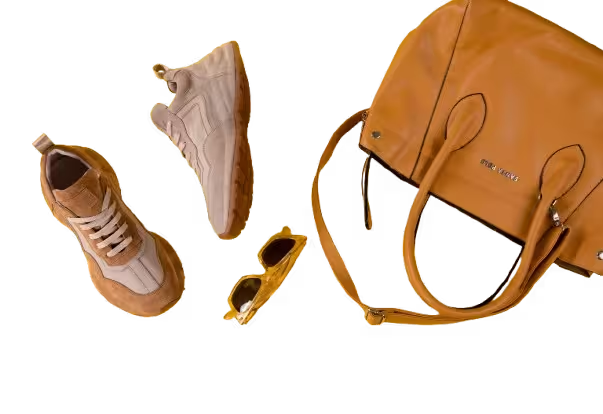
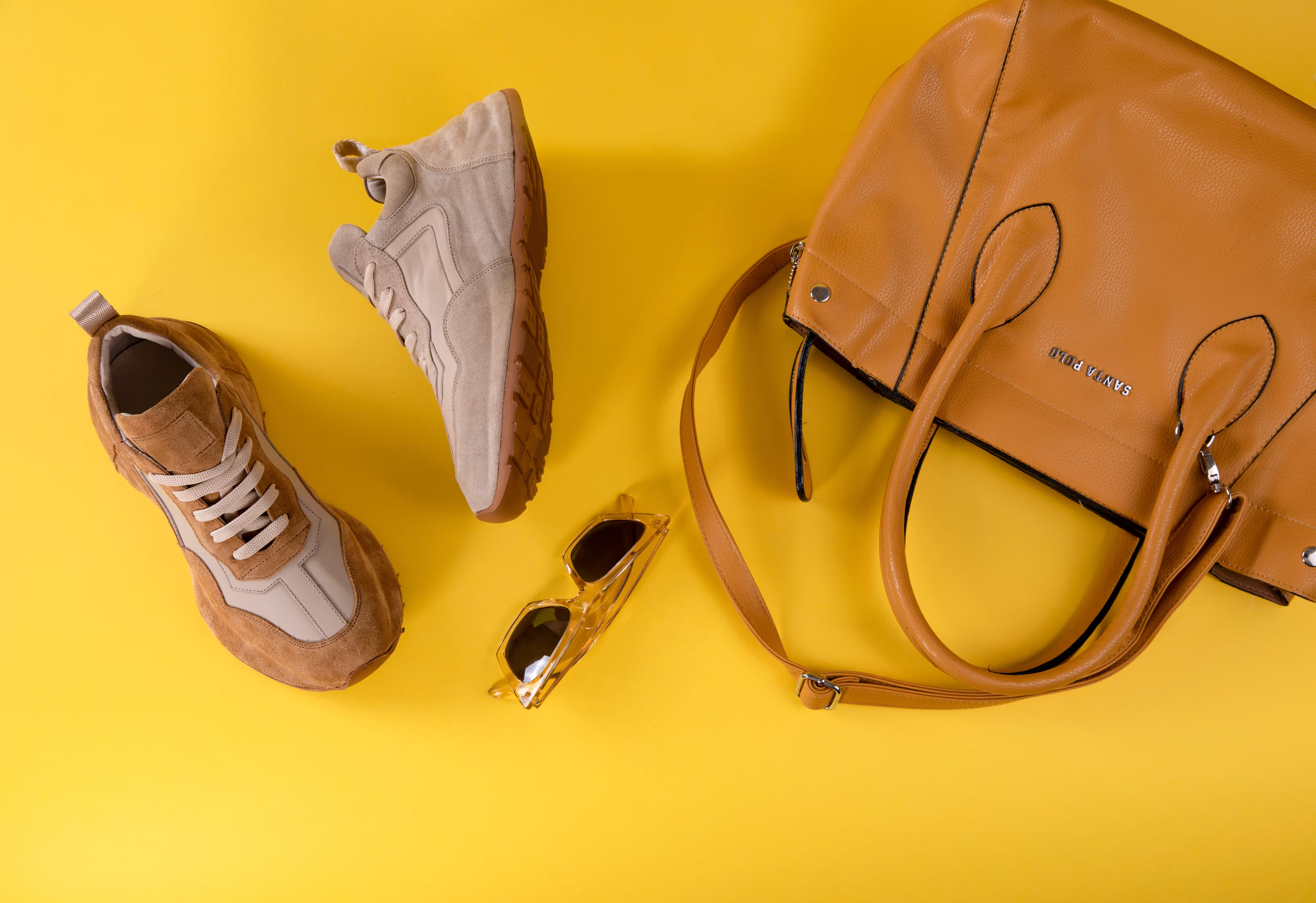
Cut out objects, icons, packaging, tools, decorations, and simple graphics from their original background. Use the cleaned result in slides, websites, documents, thumbnails, mockups, and marketing layouts.


Remove Backgrounds in 4 Steps
Upload Your File
Choose a JPG, PNG, WebP image, or PDF file from your device. You can upload photos, graphics, scanned pages, or image based PDF files.
Click Process
After the file is uploaded, click the Process button. The tool starts background removal automatically without brushes, masks, or manual selection.
Remove the Background
The remover separates the main subject from the surrounding background and creates a cleaner visual for reuse.
Review and Download
Preview the result, check the subject edge, then download the processed file as an image or PDF.
Use Background Remover for Everyday Visuals
Create cleaner images for online stores, profiles, content, presentations, and design projects.

Online Stores
Prepare clean product images for marketplaces, catalogs, ads, and store pages.

Social Media Content
Create cleaner visuals for posts, thumbnails, profile images, banners, and creator assets.

Marketing Materials
Make reusable cutouts for ads, flyers, landing pages, email graphics, and campaign visuals.
More Tools
Explore more tools for cleaning images, documents, scanned pages, and visual files online.
Handwriting Remover
Remove handwriting, pen marks, highlights, scribbles, and written notes from document images and PDF files while keeping the original page readable.
Text Remover
Remove captions, labels, annotations, signs, subtitles, and text overlays from images and PDF pages while keeping the background natural.
Document Shadow Remover
Clean hand shadows, phone shadows, dark corners, gray backgrounds, and uneven lighting from document photos, scans, and PDF pages.
Frequently Asked Questions
Find answers to common questions about removing backgrounds from photos, graphics, scanned pages, and PDF files online.
Can I remove the background from a photo?
Yes. Upload a JPG, PNG, or WebP image, then click Process. The tool can remove the surrounding background from product photos, portraits, objects, and simple graphics while keeping the main subject clear.
Does it work on PDF files?
Yes. You can upload PDF files as well as JPG, PNG, and WebP images. Image based PDF pages are processed as visual files, so backgrounds can be removed from page images or design assets.
Do I need to select the background manually?
No. The background remover works automatically. Upload your file, click Process, and the tool separates the main subject from the surrounding background without manual brushing or masking.
What images work best?
Images with a clear main subject usually work best. Product photos, portraits, objects, simple graphics, and clean foreground subjects often produce better results than crowded scenes with many overlapping details.
Can I process multiple files?
Yes. You can upload images or PDF pages within your plan limits. Each image or page is processed through the background removal flow and can be reviewed before download.
Will the output have a transparent background?
The tool is designed to create a clean cutout after background removal. Depending on the download option, you can use the result for product listings, profile images, documents, designs, and other reusable visuals.
Are my files private?
Yes. Uploaded files are processed securely and are not used for AI training. Free users' files are automatically deleted from our servers within 24 hours.
Remove Backgrounds from Your Image
Upload a JPG, PNG, WebP, or PDF file, click Process, and create a clean cutout from product photos, portraits, objects, graphics, or PDF pages.