Remove Shadows from Photos Online
Use our AI shadow remover to remove distracting shadow areas from portraits, products, interiors, and everyday photos. It balances uneven light while keeping faces, colors, textures, and natural depth realistic.
Need to clean shadows from a document? Use Document Shadow Remover
Drop your files here
or click to browse files
Remove Shadows from Faces and Portraits
The shadow remover can remove harsh face shadow caused by sunlight, hats, windows, and nearby objects while preserving identity, skin tone, facial detail, and natural portrait lighting.


Clean Product and Object Shadows
Use the shadow remover to remove unwanted cast shadow from products, packaging, furniture, food, and marketplace photos while retaining realistic contact, shape, and material texture.
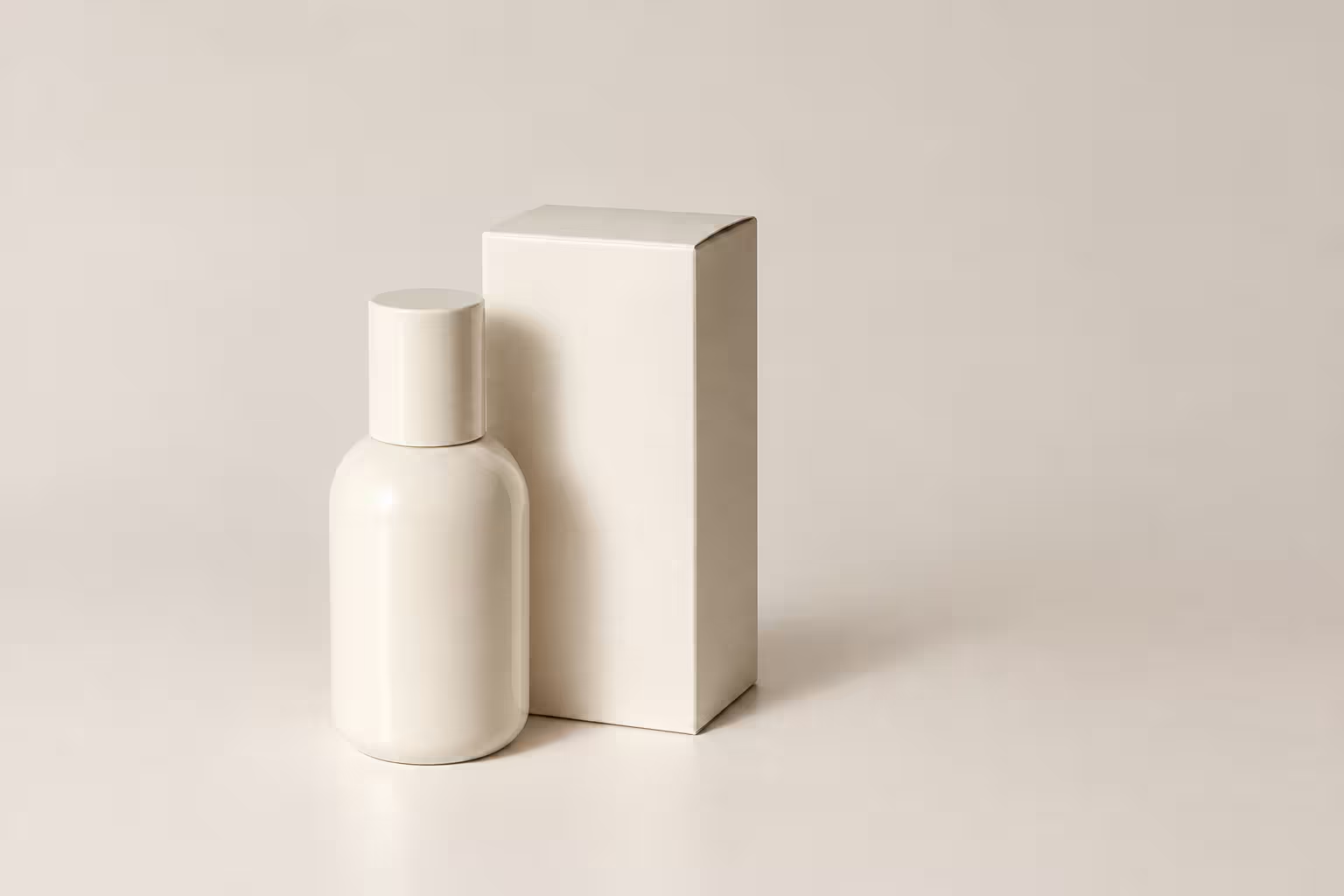
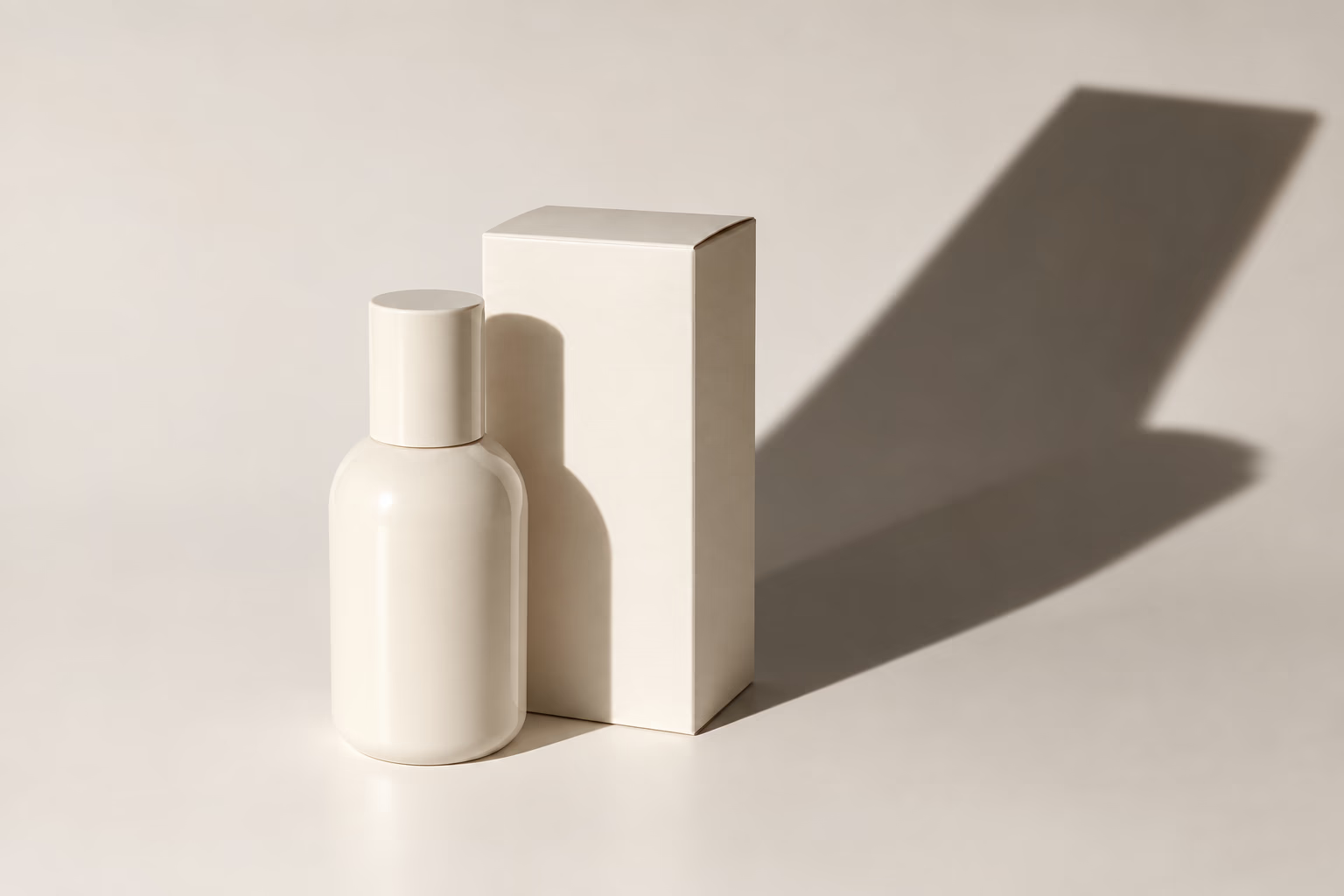
Remove Photographer and Outdoor Shadows
The AI remover helps remove phone, camera, person, pole, tree, and window-frame shadows from travel, property, garden, and outdoor photos without changing the real subject or scene.

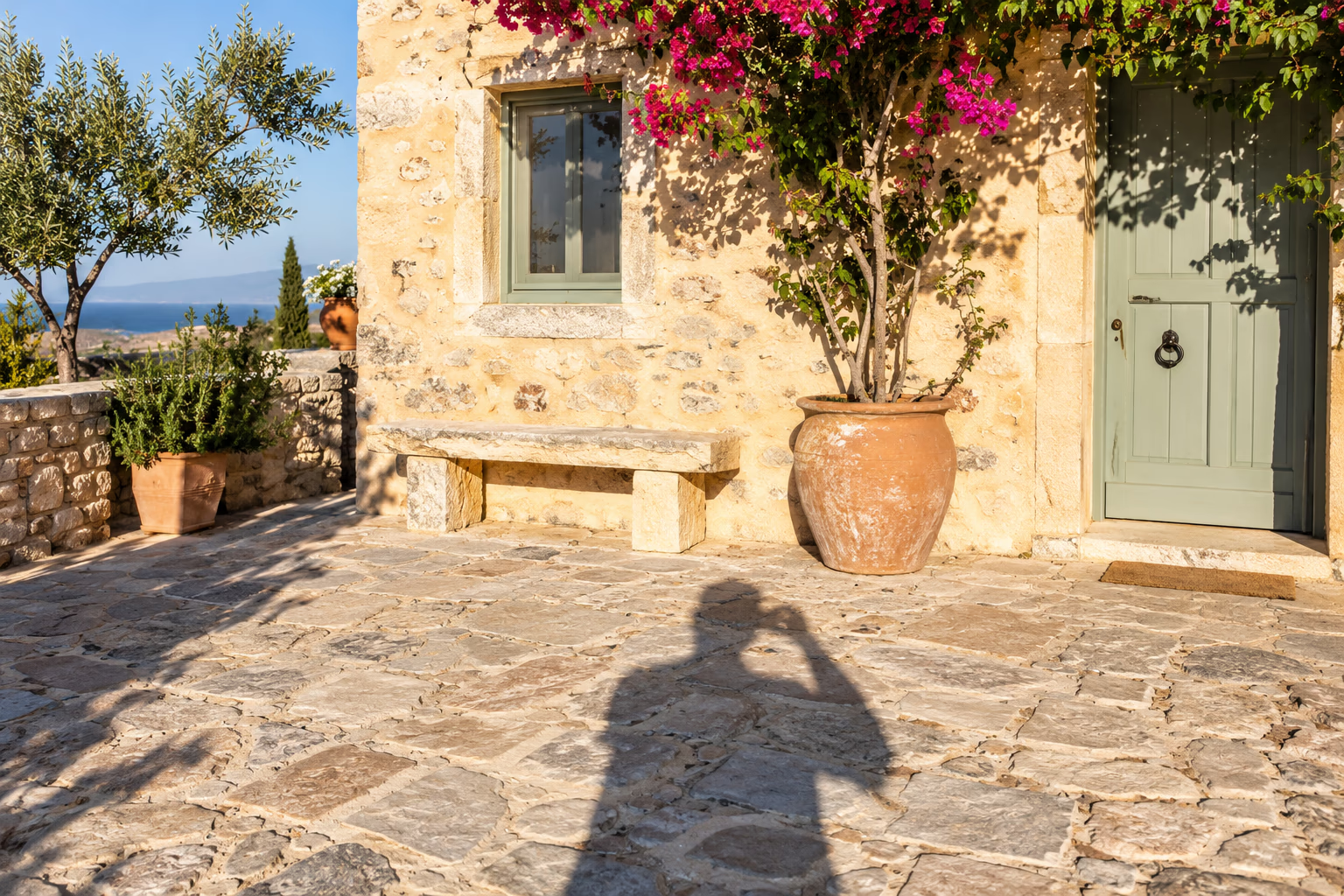
How to Remove a Shadow in 4 Steps
Upload Your Photo
Upload a JPG, PNG, WebP, or PDF containing a face, product, object, wall, ground, or photographer shadow you want to remove.
Click Process
Start the shadow remover without painting a mask, selecting the shadow, or adjusting complicated lighting controls.
Let the AI Remover Balance the Light
The tool analyzes the shadow and helps remove uneven darkness while preserving subjects, colors, edges, textures, and useful natural shading.
Preview and Download
Review the result after the remover finishes, then download your processed image or PDF.
When to Use a Shadow Remover
Remove unwanted shadow without flattening every natural highlight and shaded area.

Portraits and Profile Photos
Use the shadow remover to remove harsh shadows from faces, skin, clothing, and portrait backgrounds while keeping the person recognizable and natural.

Products and Online Stores
Remove distracting shadow from product photos and marketplace listings while preserving natural depth.

Property and Everyday Photos
Remove phone, person, furniture, plant, and window shadow from interiors, travel pictures, outdoor scenes, and photos that cannot be retaken.
More Tools
Choose a specialized tool for documents, glare, backgrounds, and other image cleanup tasks.
Document Shadow Remover
Remove hand shadows, dark corners, gray backgrounds, and uneven lighting from document photos and scanned pages.
Glare Remover
Remove reflections, bright spots, and flash glare from glasses, screens, glass, artwork, and product photos.
Background Remover
Remove image backgrounds from product photos, portraits, objects, and design assets for cleaner reusable visuals.
Frequently Asked Questions
Common questions about using an AI shadow remover on portraits, products, interiors, outdoor scenes, and everyday photos.
What types of shadow can this tool remove?
The shadow remover can reduce harsh face shadow, product cast shadow, photographer shadow, window patterns, and dark areas caused by objects, trees, poles, or uneven light.
Can I remove shadows from a face?
Yes. The AI remover can remove shadow from faces in portraits and profile photos while aiming to preserve identity, skin texture, facial features, and natural light direction.
Can it remove shadows from product photos?
Yes. The shadow remover works on products, packaging, food, furniture, and other objects. It reduces distracting shadow while retaining useful contact shading so the item does not look flat or floating.
Can I remove my phone or camera shadow?
Yes. Use the remover to remove a phone, camera, hand, or photographer shadow from walls, floors, objects, travel photos, and outdoor scenes.
Does it work on interior and property photos?
The shadow remover can reduce window-frame, furniture, plant, and strong directional shadow in rooms, property listings, offices, and hospitality photos while preserving the space.
Will shadow removal make my photo look flat?
The remover targets distracting shadow rather than every shaded area. It keeps natural contact shading, form, contrast, and lighting cues so the image retains realistic depth.
Should I use this tool for document shadows?
For papers, receipts, forms, worksheets, and book pages, use Document Shadow Remover. It is designed to preserve readable text while cleaning page shade, hand shadow, dark corners, and uneven lighting.
How many credits does shadow removal use?
Shadow Remover costs 3 credits per image or PDF page. A multi-page PDF uses 3 credits for every page that is processed.
What file formats can I upload?
The remover accepts JPG, PNG, WebP, and PDF files within the file size limit. PDF files are processed one page at a time.
Are my uploaded files private?
Files sent to the remover are processed securely and are not used for AI training. Files uploaded by free users are automatically deleted within 24 hours.
Remove Shadows from Your Photo
Use the AI shadow remover to remove distracting shadow from portraits, products, interiors, outdoor scenes, and everyday photos while preserving natural depth.