Remove Handwriting from Images and PDFs
Upload a photo, scan, or PDF to precisely remove handwriting, highlights, and pen marks. Our tool will auto-crop to the paper, correct skew, and deliver a cleaner, print-ready result in seconds
Drop your files here
or click to browse files
See the Difference
Choose between the Basic and Advanced models for handwriting removal
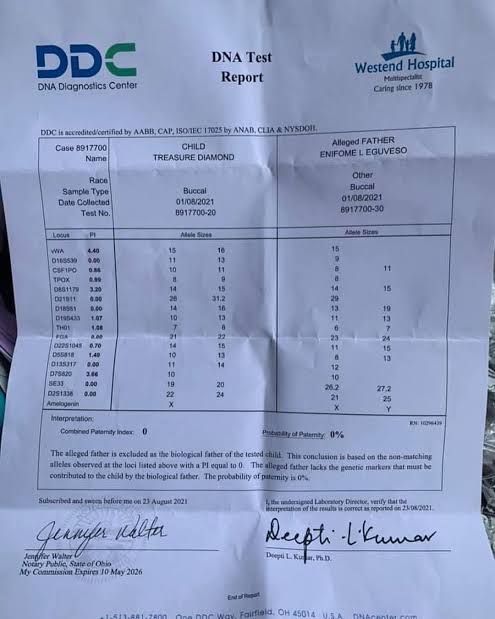
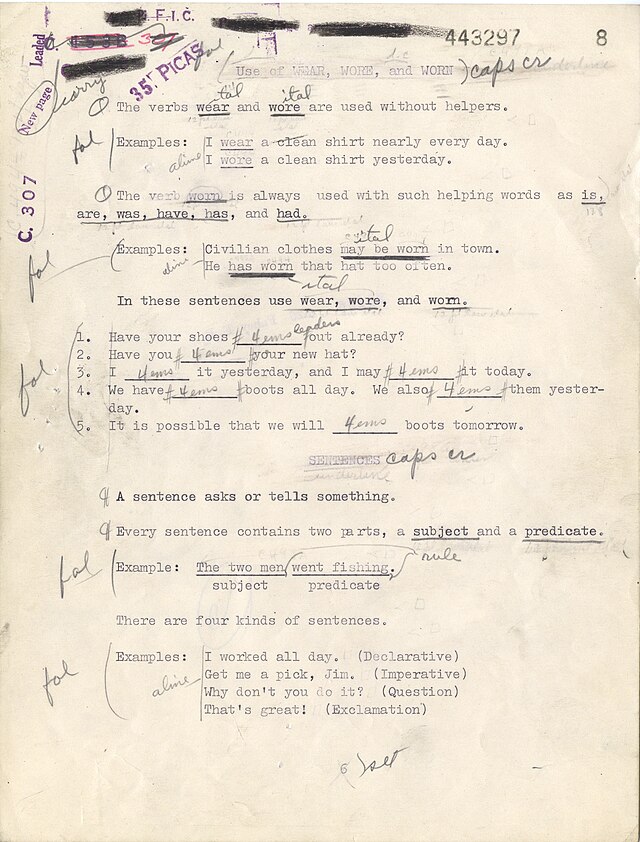 Original
Original Document
Before processing, with visible handwriting and marks
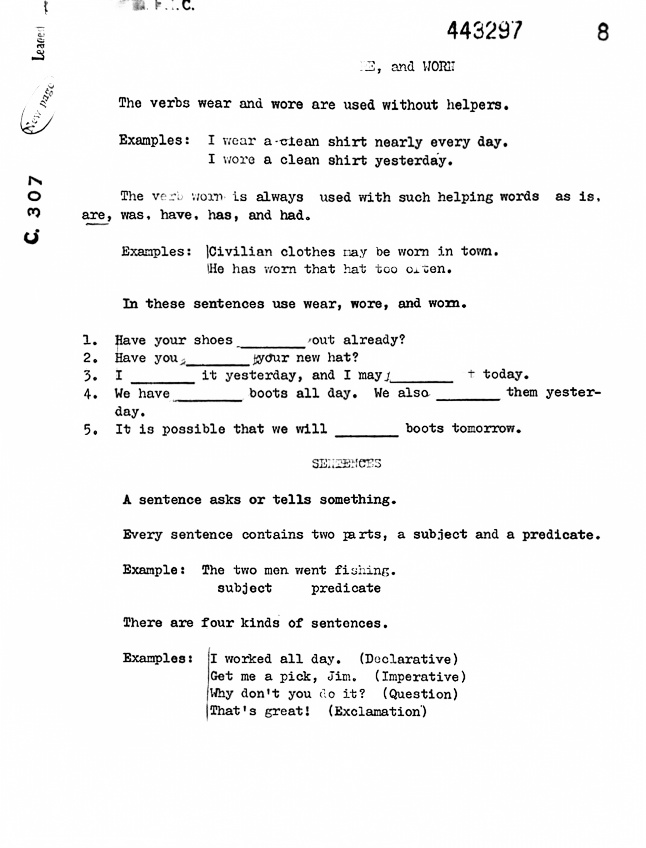 Basic
BasicBasic Model Result
Black-and-white cleanup with automatic cropping and handwriting removal
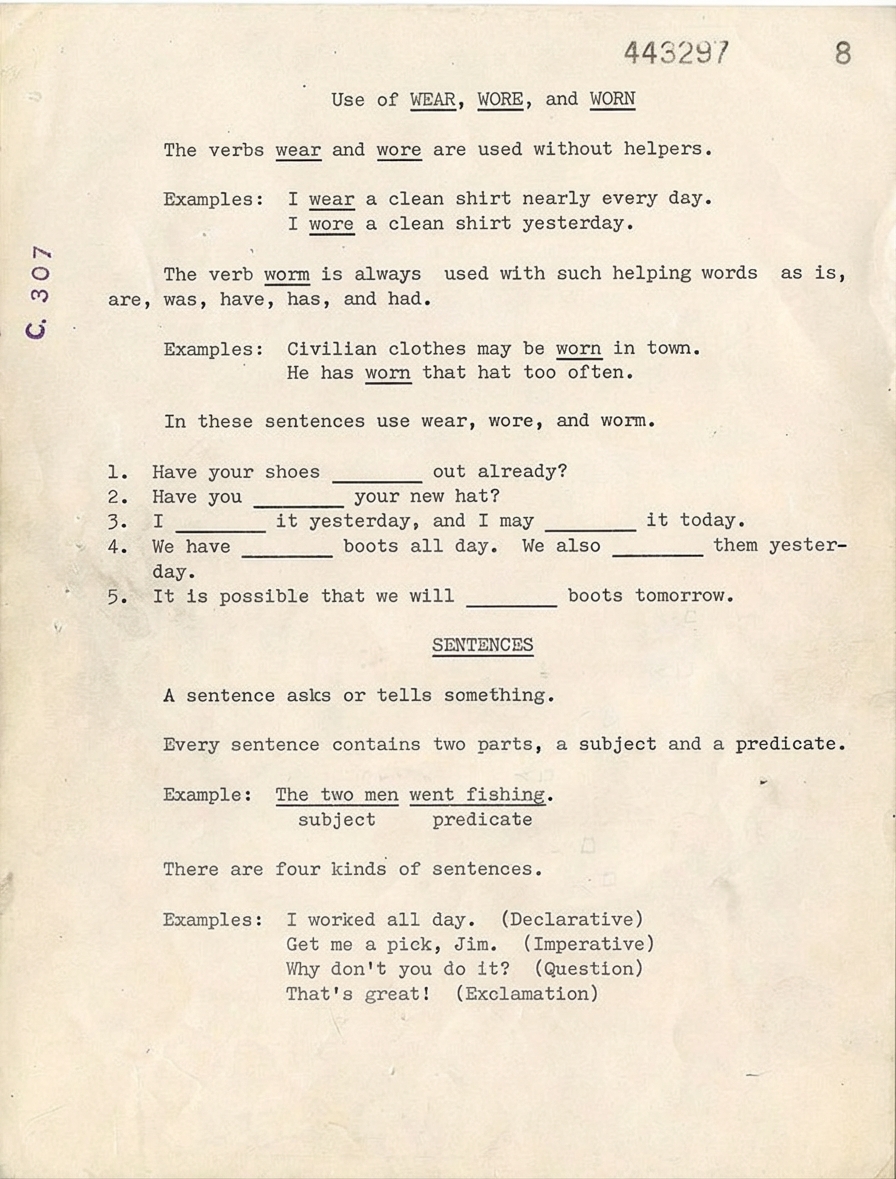 Advanced
Advanced Model Result
Handwriting removal that preserves the original colors and details
Remove Handwriting and Marks
Our AI targets and erases handwritten notes, pen strokes, underlines, highlights, and scribbles while keeping the underlying printed content intact. It works seamlessly on document images and multi-page PDFs.
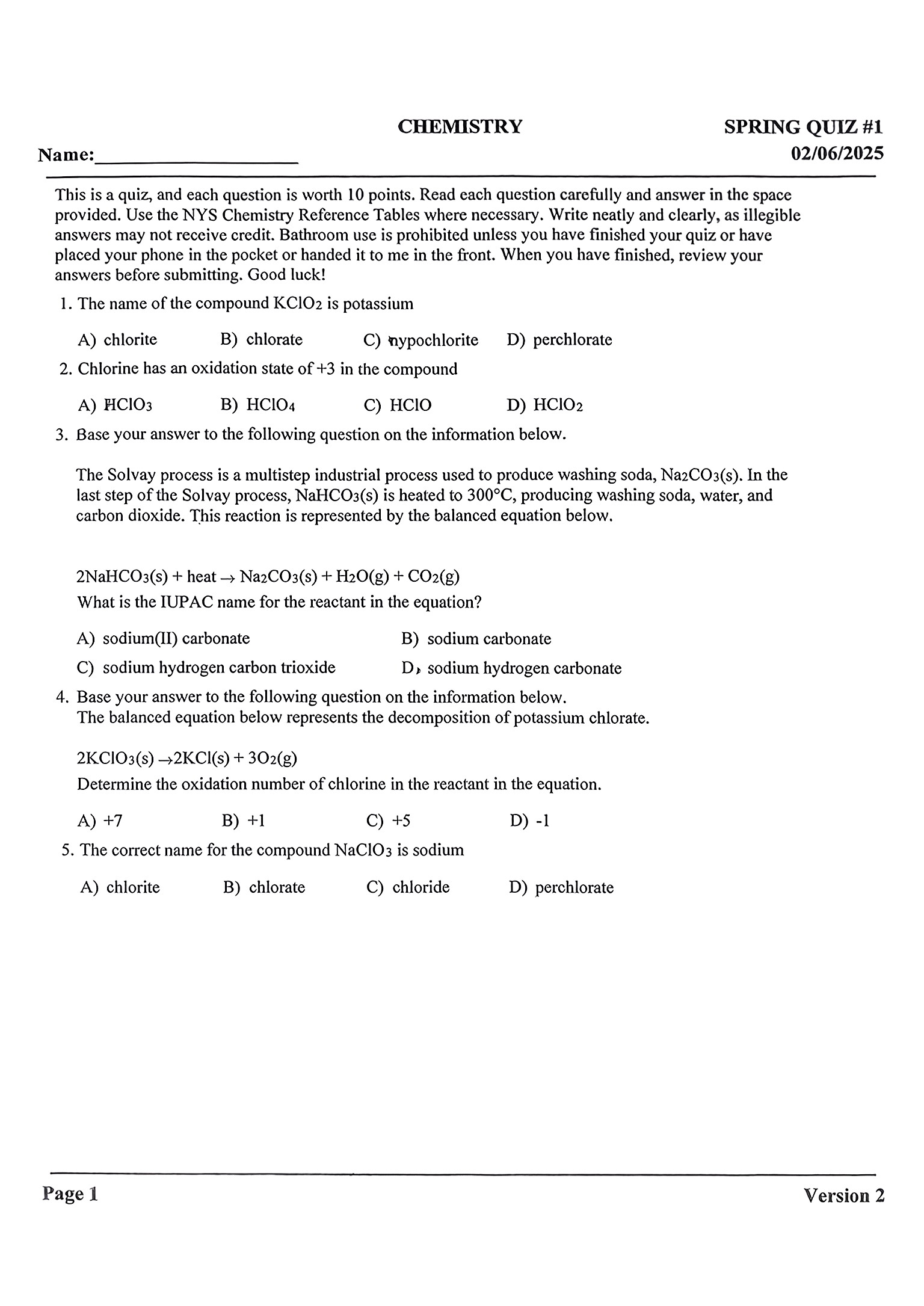
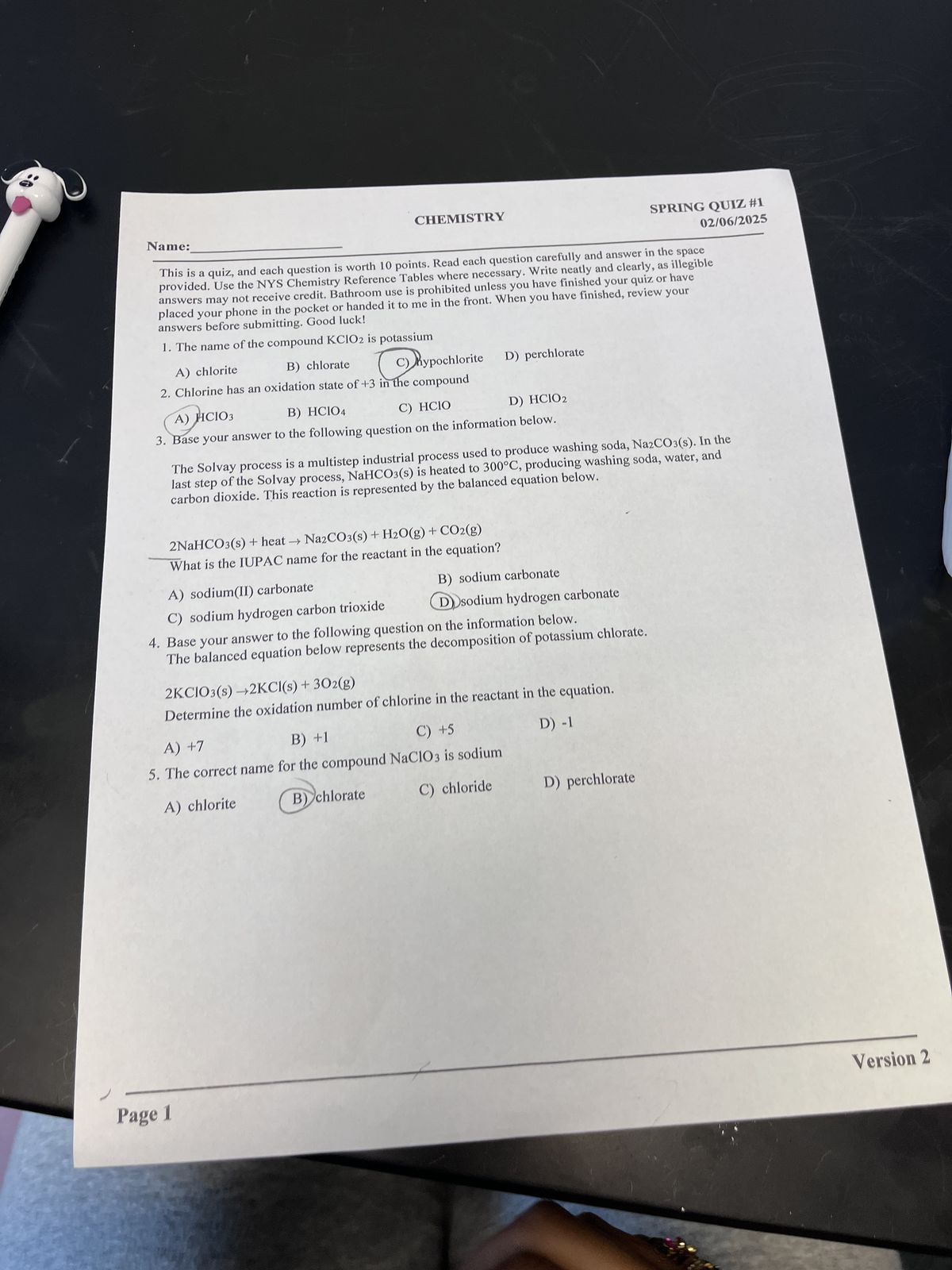
Auto-Crop to Frame Your Paper
When you remove handwriting from your scans, our tool automatically detects the paper’s edges and crops out irrelevant backgrounds like desk surfaces, shadows or scanner borders.
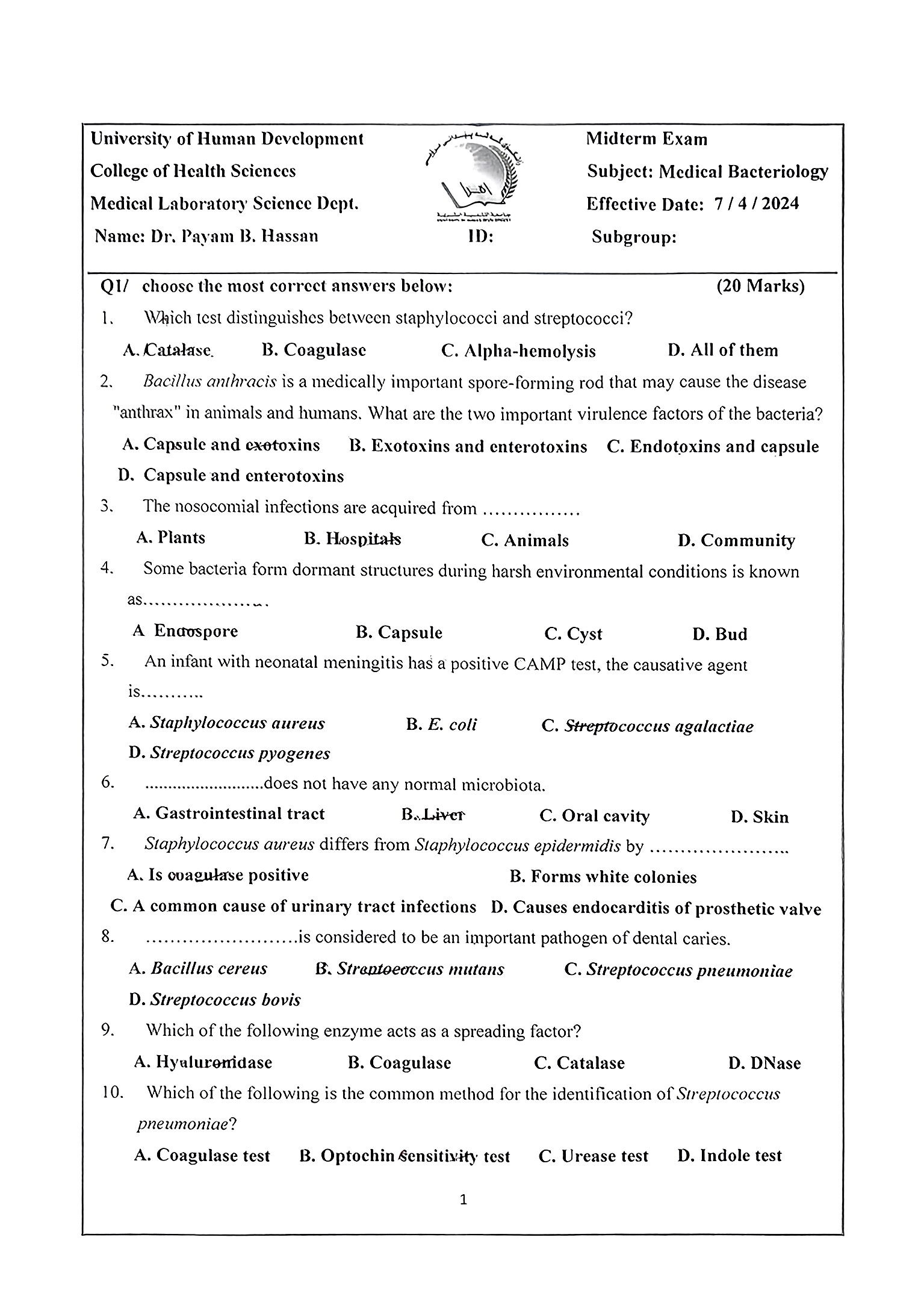
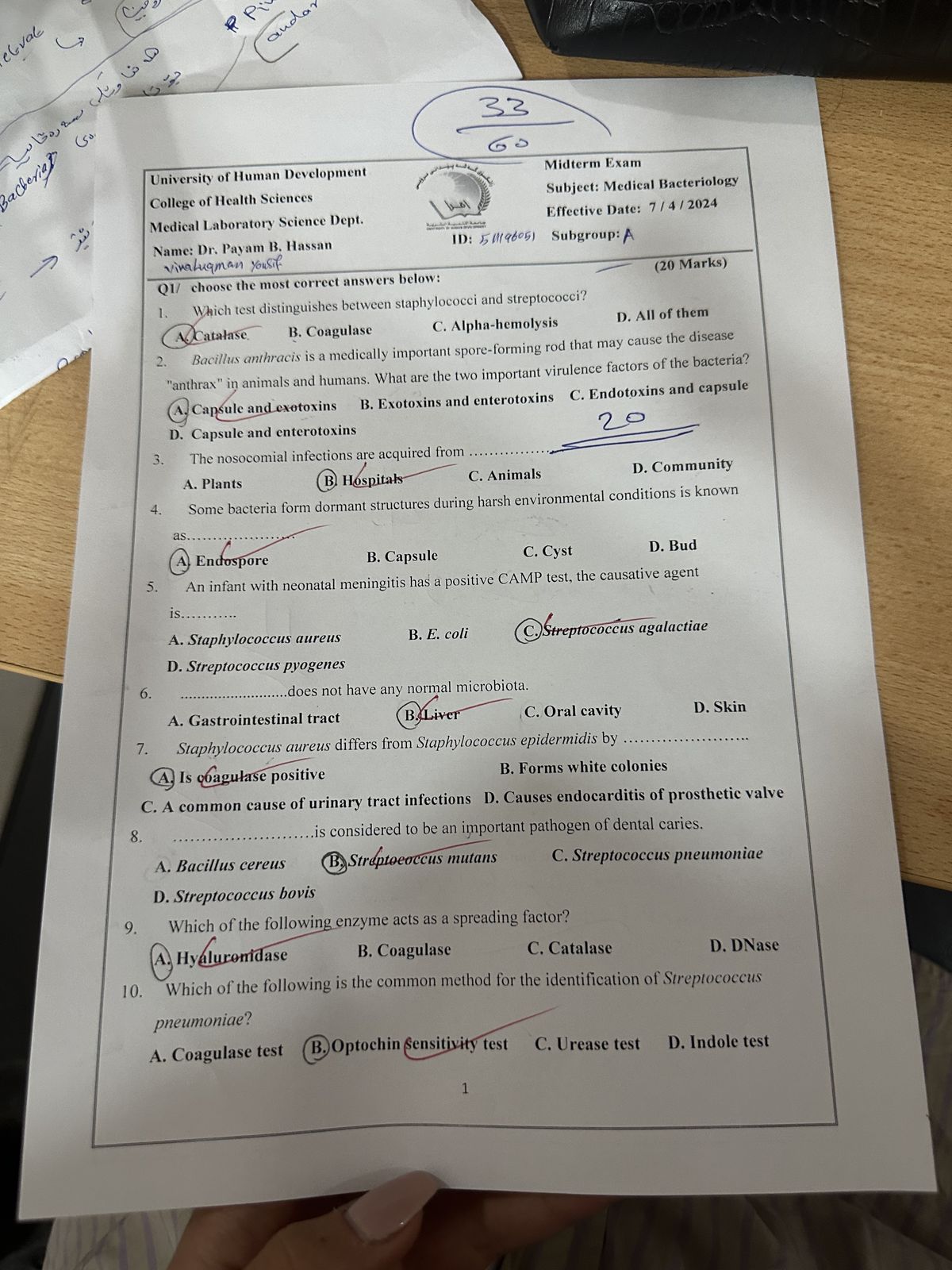
Fix Skewed & Warped Pages
When you remove handwriting from tilted, folded or uneven scans, our tool will automatically straighten skewed pages, flatten out warped areas and correct bent edges from book scans.
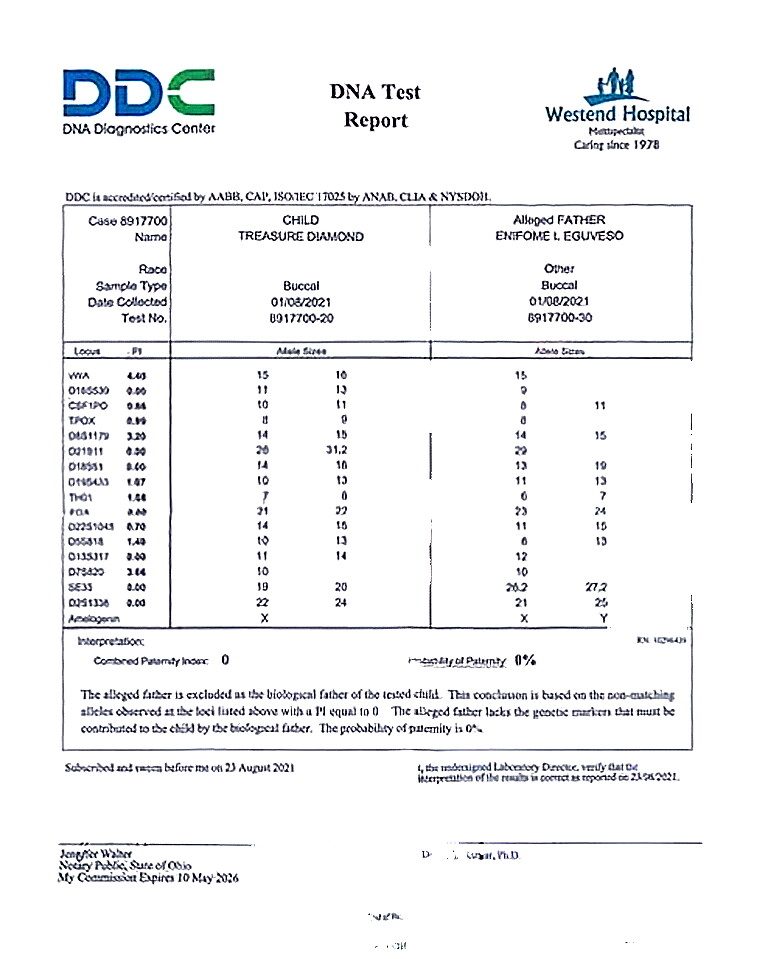
Remove Handwriting in 4 Simple Steps
Upload your file
Drag and drop a document photo or PDF onto the upload zone, or click to browse.
Pick a model
Select Basic for a fast black-and-white cleanup with auto-cropping, or Advanced for stronger mark removal that preserves the original page color.
Process
Click Process, and our AI will quickly remove handwriting, crop to the paper edge, and correct skew.
Fine-tune with Manual Editing
If any marks remain after automatic processing, switch to manual edit mode. Paint over the area with the brush tool, and the AI will clean just that region for a perfect finish.
Reuse Your Pages Effortlessly
Whether it's study worksheets, official forms or important office documents, our tool lets you erase handwritten marks and restore clean, reusable pages in seconds
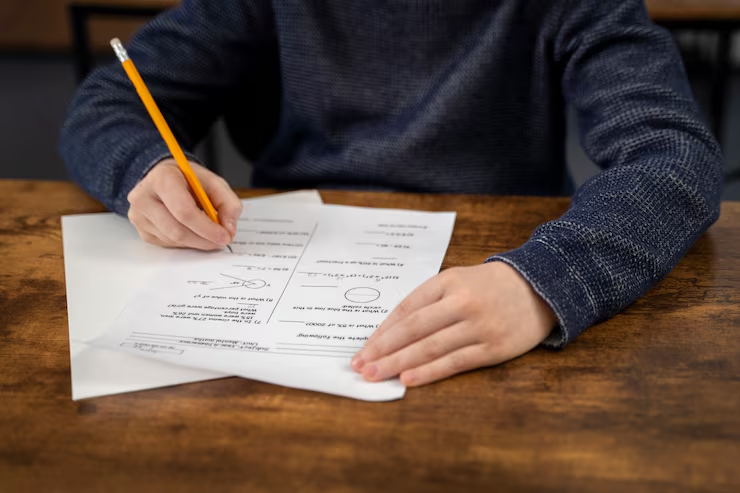
Worksheets
Remove handwritten answers and highlights from completed worksheets so the page is ready to reuse without rebuilding it from scratch.

Forms
Strip out handwriting from filled-in forms and recover a clean blank page that is easier to store, share, or print again.

Office Documents
Remove pen marks and annotations from scanned paperwork to get a cleaner version that is easier to file or share internally.
What users are saying
Teachers, students, and office workers use this tool to clean up documents every day.
“I remove handwriting from worksheets every week after my students fill them in. It takes seconds and the cleaned pages look good enough to reuse straight away.”
Sarah M.
Primary school teacher
“After each exam I scan my study guides and remove all my handwritten notes so I can reuse them next semester. The skew correction is a bonus I didn't expect.”
James T.
University student
“We receive a lot of completed forms with handwriting all over them. Being able to remove it and recover the blank template digitally saves us a lot of reprinting.”
Linda C.
Office administrator
More Tools
Explore more tools for cleaning documents, images, scanned pages, and visual files online.
Document Shadow Remover
Clean hand shadows, phone shadows, dark corners, gray backgrounds, and uneven lighting from document photos, scans, and PDF pages.
Text Remover
Remove captions, labels, annotations, signs, subtitles, and text overlays from images and PDF pages while keeping the background natural.
Background Remover
Remove image backgrounds from product photos, portraits, objects, and design assets for cleaner reusable visuals.
Frequently Asked Questions
Answers to the most common questions before you upload your first file.
What is Handwriting Remover?
It’s an AI-powered online tool that lets you easily remove handwriting, pen marks, highlights and scribbles from your document images and PDFs, restoring clean, reusable pages in seconds without downloading extra software.
Which file types can I use to remove handwriting?
We support all common formats including JPG, PNG, WebP for images, and multi-page PDFs.
Is my uploaded data safe and private?
Absolutely. Free users’ files are automatically deleted from our servers within 24 hours. We never use any uploaded data for AI training.
What’s the difference between Basic and Advanced models?
Our Basic model delivers fast, clean black-and-white results with auto-cropping, while the Advanced model preserves your document’s original colors and removes finer marks for a more polished, natural look.
Can the tool fix tilted or warped pages while removing handwriting?
Yes, both models will automatically straighten skewed pages and flatten out warped, folded areas during processing, leaving you with a neat, evenly proportioned document.
Can I remove handwriting for free?
New users get 3 free credits to preview the tool’s handwriting removal capabilities, with 1 credit covering the processing of one single-page file.
Remove Handwriting to Reuse Your Documents Instantly
Erase all unwanted handwriting and annotations with one click, then download or print your document right away