Clean Photos with an Online Moire Remover
Use our AI moire remover to remove distracting patterns from screen photos, scanned prints, old photographs, and fine fabrics. It helps remove wavy lines, rainbow bands, and dot patterns while keeping the image natural.
Drop your files here
or click to browse files
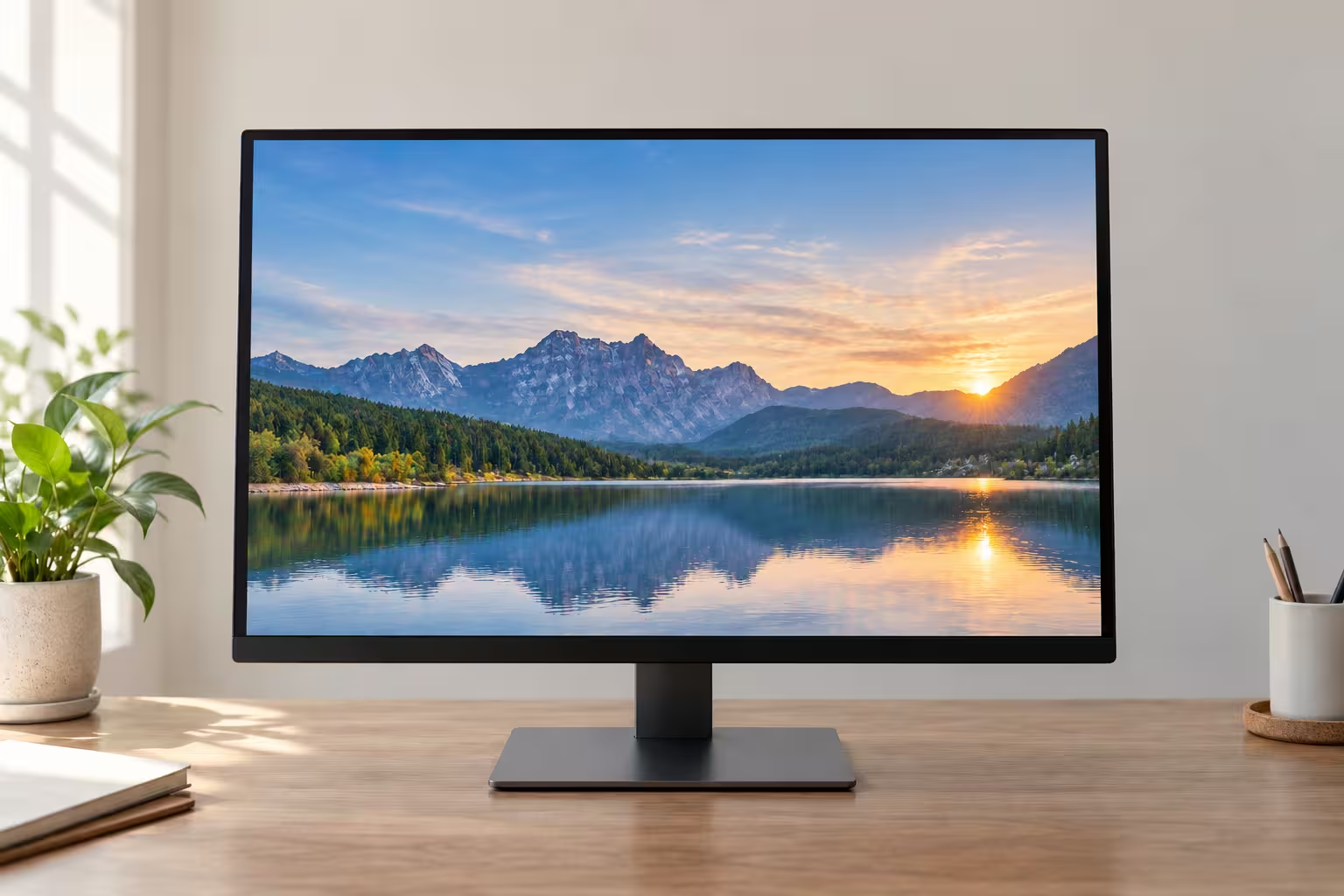
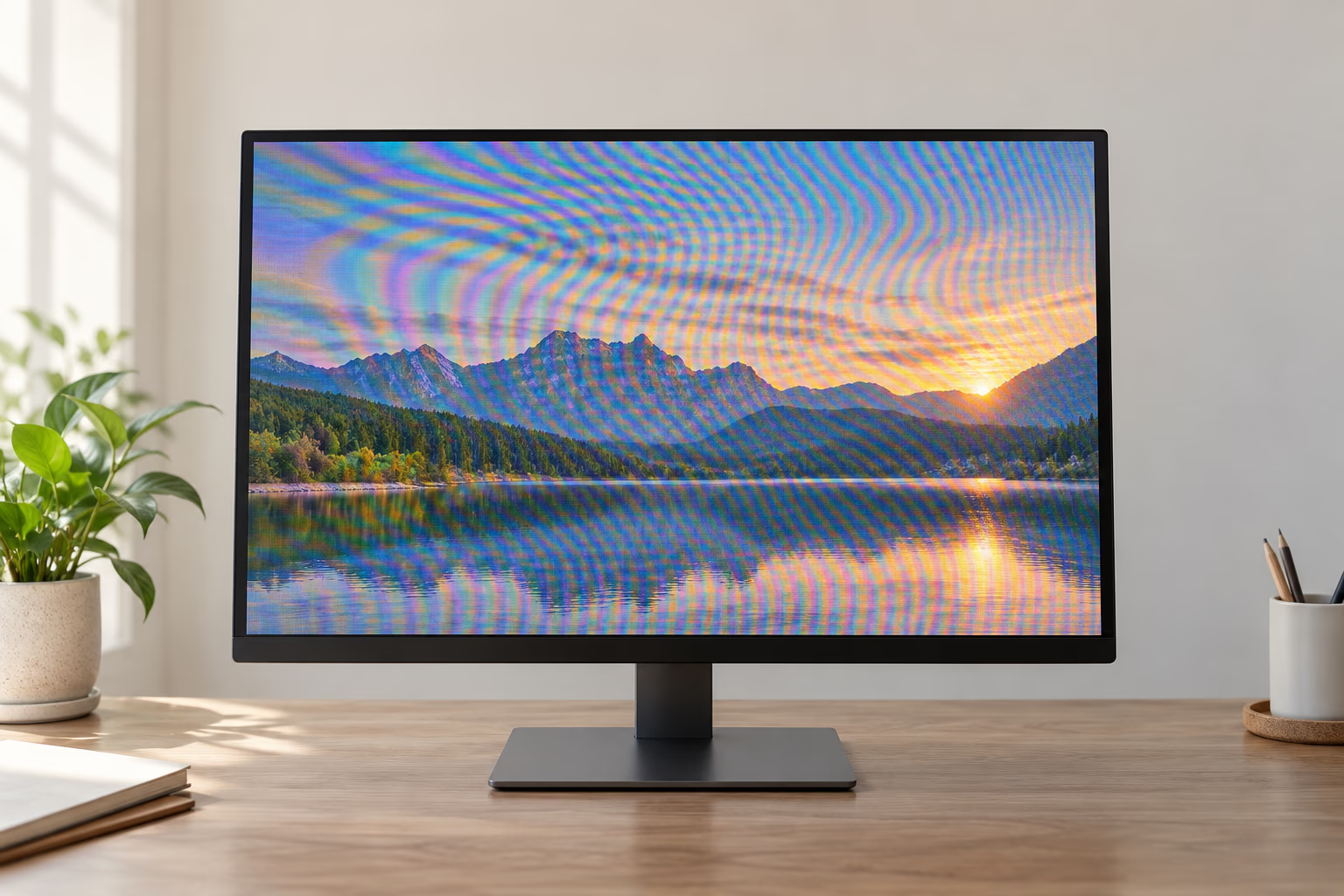
Remove Moire from Monitor and TV Photos
Use the moire remover to remove rainbow bands, ripples, scan lines, and pixel-grid interference from photos of monitors, televisions, phones, and projectors without changing the visible screen content.
Descreen Scanned Prints with AI
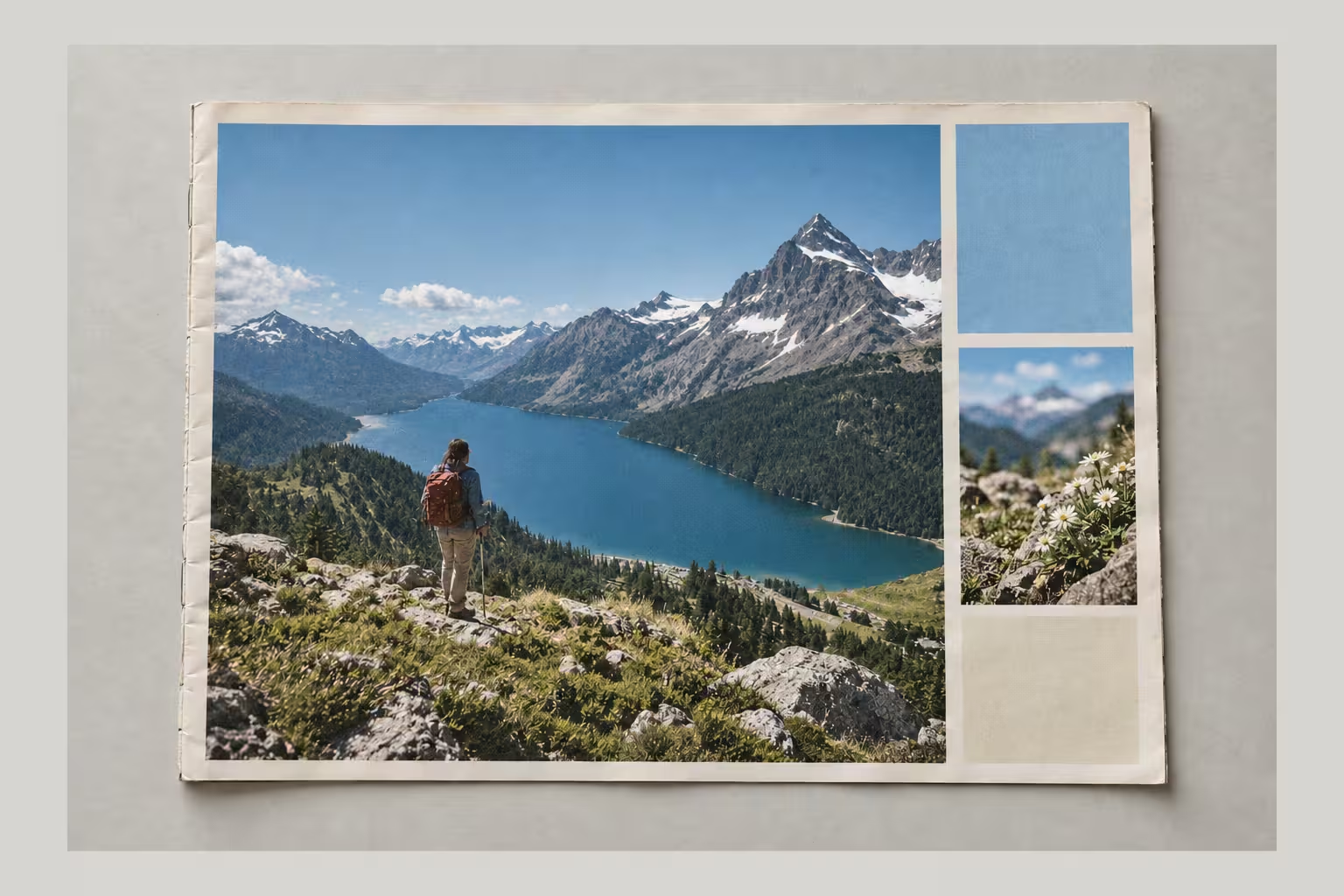
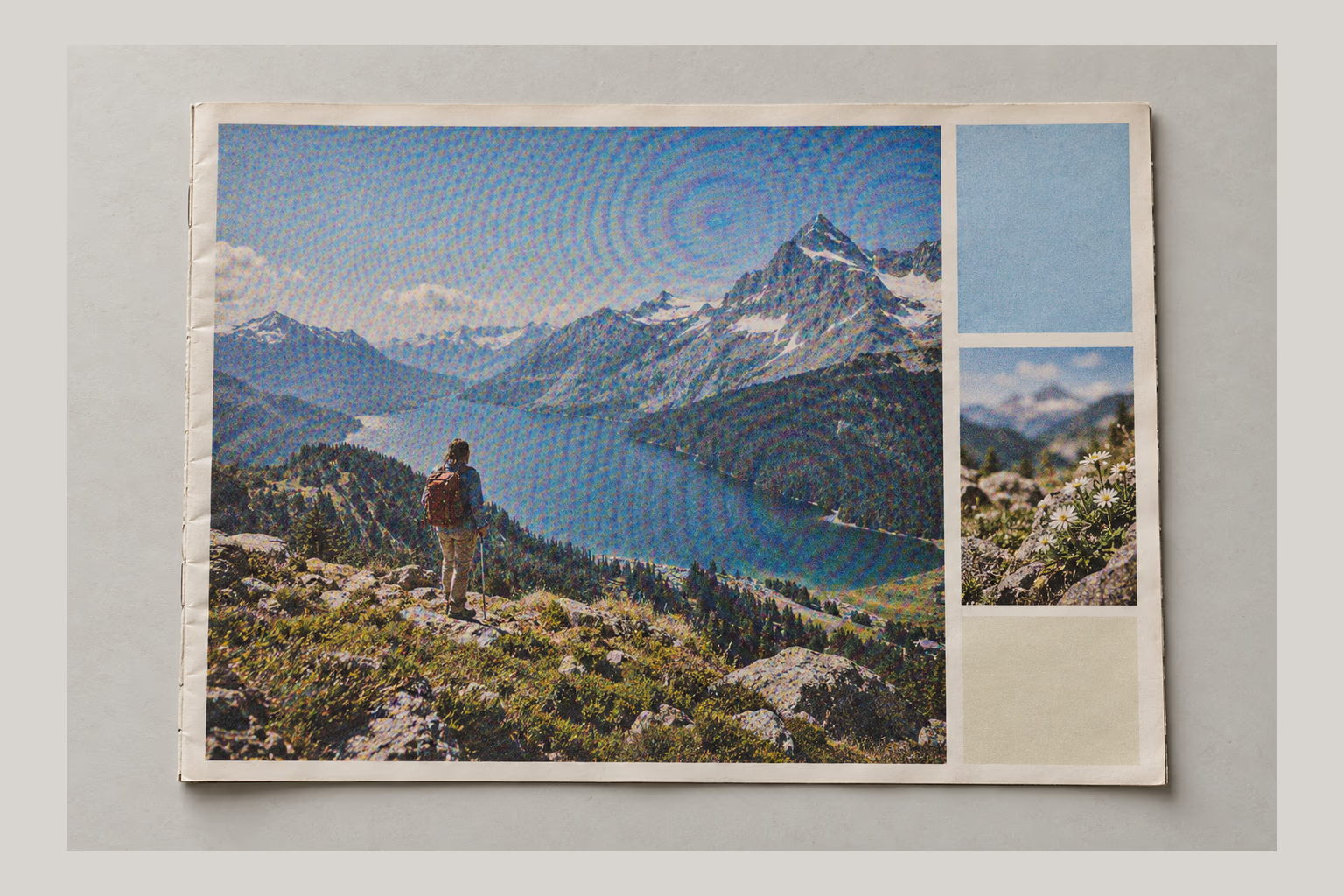
Remove halftone dots, crosshatch patterns, and print moire from scanned magazines, newspapers, brochures, and books. The remover keeps text and graphics readable.
Clean Fabric and Fine Patterns
The moire remover can remove false waves and color artifacts from striped shirts, fine weaves, mesh, herringbone, and packaging while preserving the subject.


How to Remove Moire in 4 Steps
Upload Your Image
Upload a JPG, PNG, WebP, or PDF with moire, halftone dots, rainbow bands, or wavy lines you want to remove.
Click Process
Start the moire remover—no masks, scene selection, or complicated filters required.
Let the Moire Remover Clean the Pattern
It analyzes moire and helps remove interference while preserving colors, edges, and useful texture.
Preview and Download
Preview the result after the remover finishes, then download your image or PDF.
When to Use a Moire Remover
Remove interference from pixel grids, print screens, and repeating patterns with the moire remover.
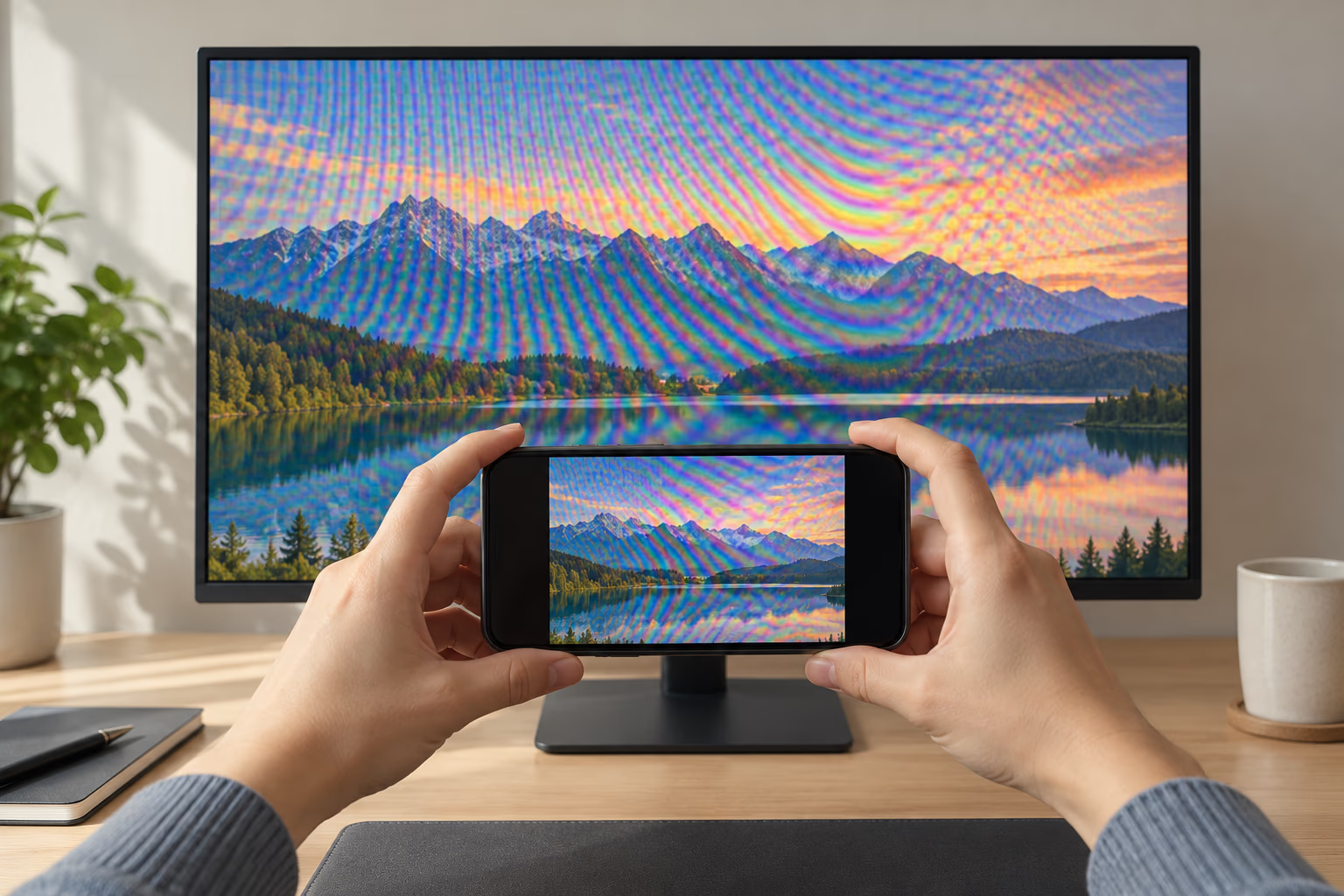
Screen Photography
The moire remover can remove artifacts from monitors, TVs, phones, kiosks, and projections when screenshots are unavailable.
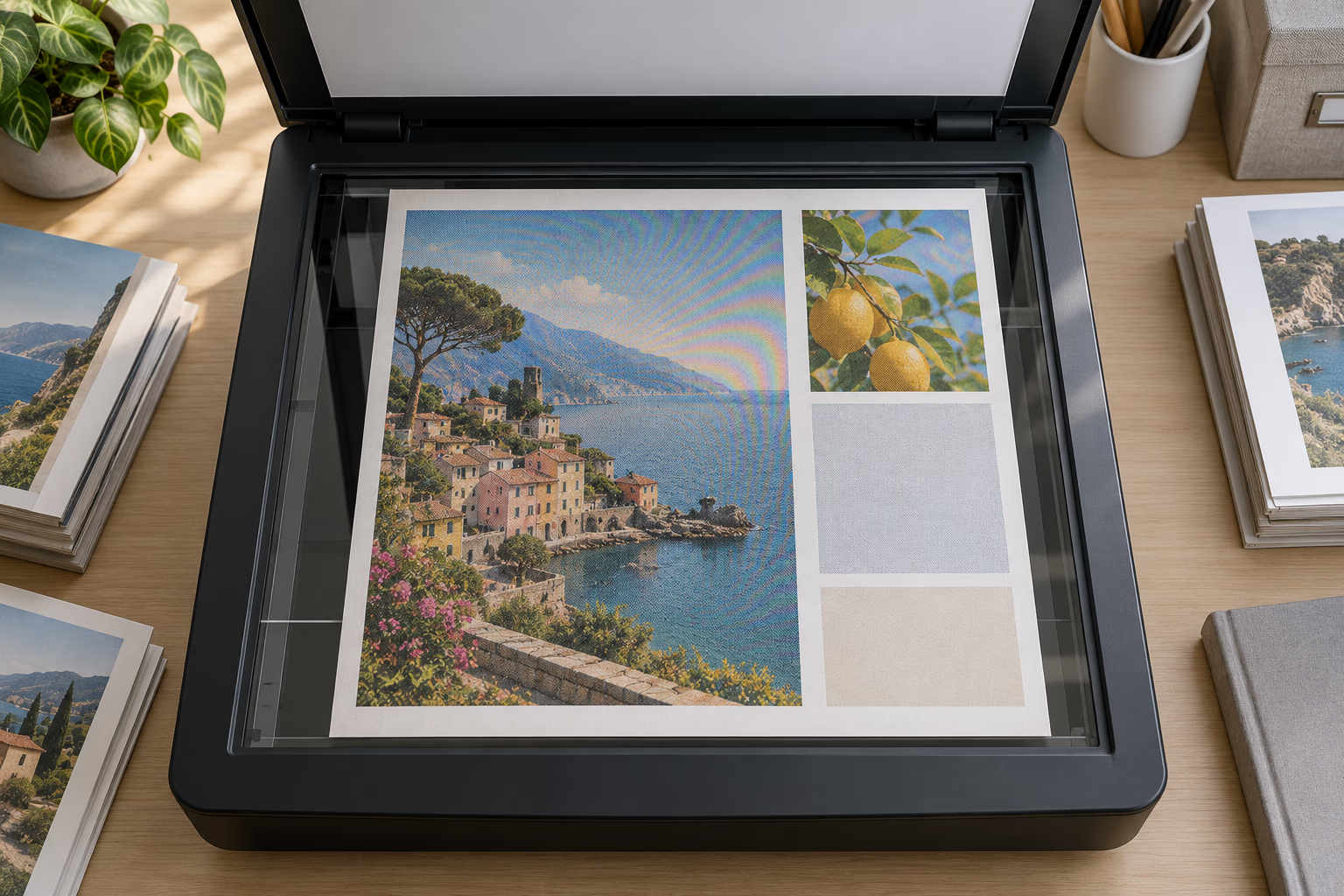
Document and Print Scanning
The remover can remove print artifacts from magazines, textbooks, and archived materials before sharing or digitizing them.

Portrait and Product Photos
Remove interference from clothing, packaging, and detailed surfaces with the moire remover.
More Tools
Clean unwanted elements from photos, documents, scanned pages, and reusable visual assets.
Text Remover
Remove captions, labels, signs, price tags, and other visible text while rebuilding the surrounding background.
Document Shadow Remover
Clean hand shadows, dark corners, gray backgrounds, and uneven lighting from document photos and scanned pages.
Background Remover
Remove image backgrounds from product photos, portraits, objects, and design assets for cleaner reusable visuals.
Frequently Asked Questions
Common questions about removing moire patterns from screen photos, scans, prints, and textured subjects.
What is a moire pattern?
Moire is an unwanted interference pattern that appears when two fine repeating patterns overlap. It often looks like wavy lines, rainbow bands, grids, or ripples in photos of screens, scans of printed material, and images of fine fabric. A moire remover is designed to remove these visible artifacts.
Why does moire appear in screen photos?
A display has its own pixel grid, while a camera sensor uses another grid to capture it. When those grids do not align, the camera can record false waves, colors, or bands that are not visible on the original screen. The remover detects and helps remove this interference in the captured image.
Can this tool descreen scanned magazines and newspapers?
Yes. The moire remover can remove or reduce halftone dots, print moire, and repeating patterns in scans of magazines, newspapers, brochures, and books while preserving readable content and useful detail.
Does it work on old photo scans?
Yes. The moire remover can remove halftone texture, scan interference, and visible moire from vintage photos, yearbook portraits, family prints, and archived photographs while preserving their photographic appearance.
Can it fix moire on clothing and fabric?
The moire remover can remove or reduce false waves, color bands, and moire on stripes, mesh, herringbone, fine weaves, and other textiles. Results depend on how strongly the moire overlaps the real fabric detail.
Will moire removal blur my image?
The moire remover is designed to remove repetitive artifacts while retaining important edges and natural detail. Very strong moire may overlap genuine texture, so some fine detail can vary in difficult areas.
How many credits does moire removal use?
Moire Remover costs 3 credits per image or PDF page. A multi-page PDF uses 3 credits for each page that is processed.
What file formats can I upload?
The remover accepts JPG, PNG, WebP, and PDF files within the file size limit. PDF files are processed one page at a time.
Are my uploaded files private?
Files sent to the remover are processed securely and are not used for AI training. Files uploaded by free users are automatically deleted from our servers within 24 hours.
Remove Moire from Your Image
Use the AI remover to upload a screen photo, scan, old print, or textured image and remove distracting waves, rainbow bands, halftone dots, and repetitive interference in one click.